  1. Categories/

Monitors

Best Ultrawide Monitors for Work 2026: More Screen, More Productivity

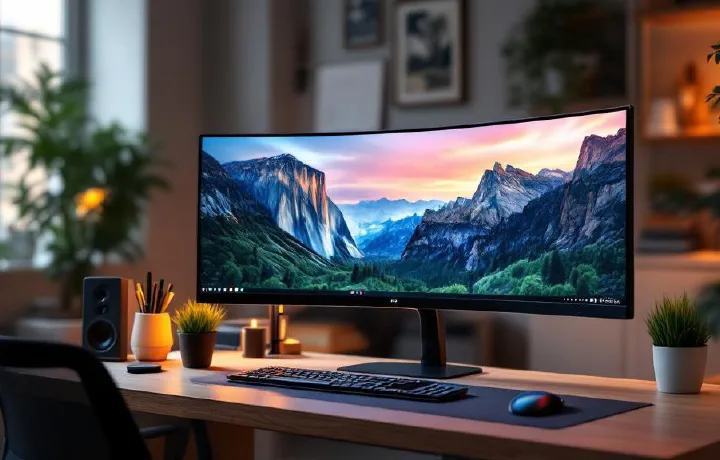
The jump from a standard 27-inch monitor to an ultrawide is one of the most noticeable productivity upgrades in a home office. You’re not just getting more pixels — you’re getting a fundamentally different way to work. Two windows side by side at full size. A spreadsheet and your email open simultaneously without one cramping the other. A browser alongside your document with room to actually read both. The 34-inch ultrawide (3440×1440) is the sweet spot: wide enough to feel genuinely expansive, not so wide that you’re turning your head to reach the corners. Curved panels bring the edges closer to your field of view and reduce neck movement. USB-C connectivity simplifies your desk by letting a laptop deliver video, data, and power through a single cable.

Best Portable Monitor for Work 2026: Top Picks for Remote Workers

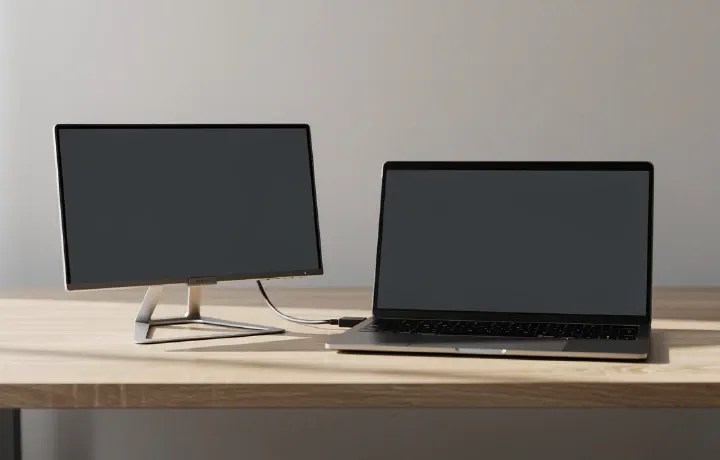
A second screen boosts productivity by roughly 20–30% for most knowledge workers. That’s not marketing fluff — it’s backed by research from Jon Peddie Research and Microsoft’s own internal studies. But what if your second screen needs to travel with you? Portable monitors solve a specific problem: giving you dual-monitor capability anywhere — coffee shops, co-working spaces, hotel rooms, or just moving between rooms at home. They’re typically 13–17 inches, powered by a single USB-C cable, and light enough to toss in a laptop bag.

27-Inch vs 32-Inch Monitor for Work: Which Size Is Right for You?

Choosing between a 27-inch and 32-inch monitor is one of those decisions that seems simple until you actually start thinking about it. Both are popular sizes for home office work, and both have passionate advocates. But the “right” size depends on your desk depth, resolution needs, eyesight, and what kind of work you do. We’ve worked extensively with both sizes across different tasks — spreadsheets, writing, coding, video calls, and design work — to help you make a confident choice. If you’re still figuring out your overall monitor situation, our best monitors for working from home roundup covers specific model recommendations.

5 Best Monitors for Working From Home in 2026

If you’re still working off a laptop screen — squinting at tiny text, hunching forward, running out of space — an external monitor is probably the single biggest upgrade you can make to your home office. We’ve compared five of the best monitors for working from home in 2026, covering every price point from budget-friendly to premium. None of these are gaming monitors (we’ll leave that to other sites). These are monitors optimised for productivity: sharp text, accurate colours, comfortable viewing, and sensible features for all-day work.