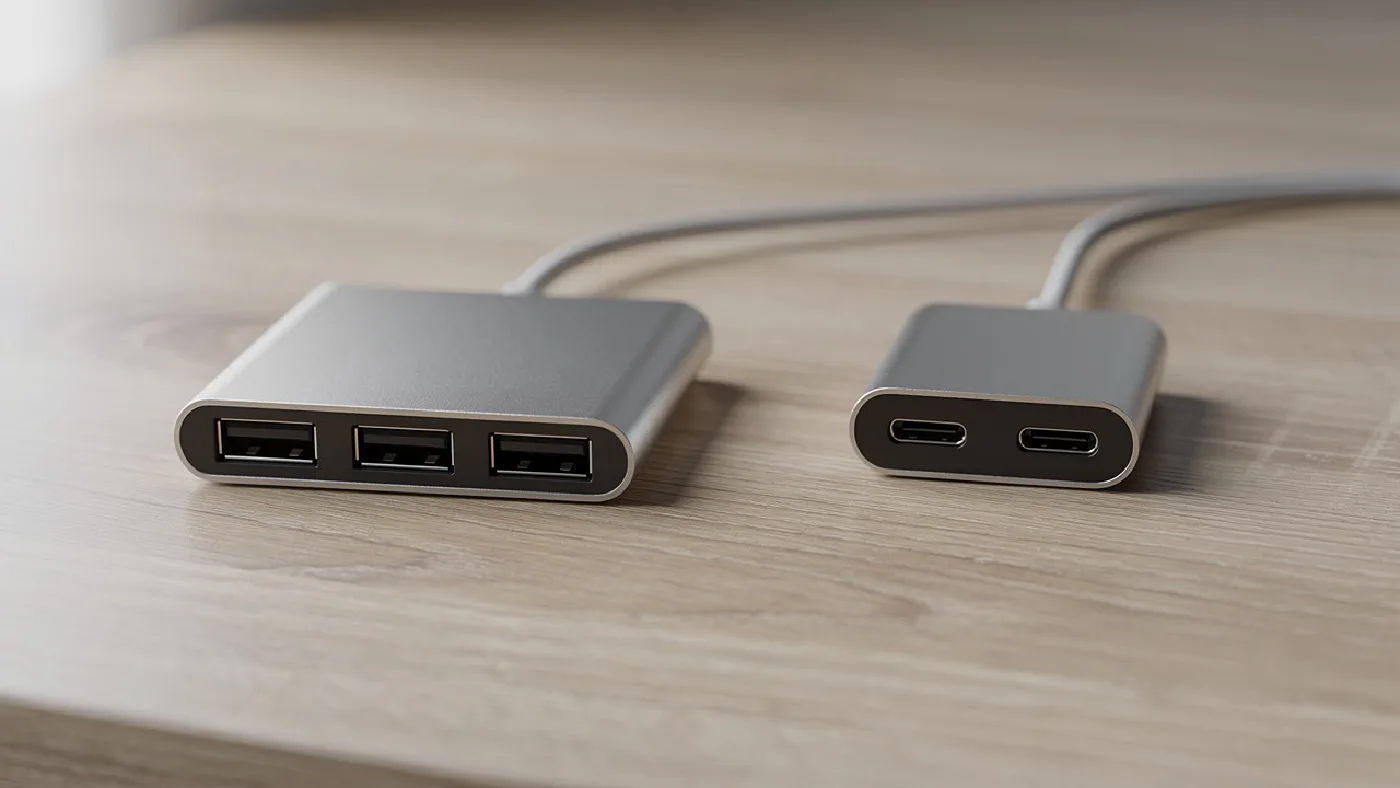
For a few USB-A accessories, start with the Anker A7516 data hub. For a USB-C laptop needing mixed USB ports and one HDMI display, compare the UGREEN Uno 6-in-1 (35998). Choose by your computer’s connection and the devices you actually use, rather than the largest port count.
These are research-based recommendations. We have not physically tested these hubs or measured their transfer speeds, heat or long-term reliability.
Affiliate disclosure: As an Amazon Associate, Home Desk Lab earns from qualifying purchases. Manufacturer pages and the linked Amazon UK model listings were checked on 21 September 2026. Check current price, seller and delivery availability before ordering. The header is a category illustration, not a photograph of a tested or specific recommended model.
Quick comparison #
| Hub | Best fit | Computer connection | Expansion | Main limitation |
|---|---|---|---|---|
| Anker A7516 Ultra Slim 4-Port | A small group of USB-A accessories | USB-A | Four USB-A data ports, up to 5Gbps | No charging or display output; limited shared power |
| UGREEN Uno 6-in-1, model 35998 | USB-C accessories and one HDMI monitor | USB-C | Two USB-A and two USB-C data ports, HDMI and PD input | No Ethernet or card reader; video depends on the laptop |
If your main goal is two monitors, Ethernet and a permanent one-cable workstation, use our USB-C docking station guide instead. This shortlist focuses on adding accessible ports to a desk.
Anker A7516: a simple USB-A data hub #
The A7516 makes sense when your computer has USB-A and you want a few everyday accessories within reach. Anker offers different cable lengths; the 2ft version gives approximately 61cm of reach. Check the selected variant if the computer sits below your desk.
Its four ports are rated up to 5Gbps. They do not provide charging, HDMI or laptop power delivery. Anker advises keeping the combined device load within 900mA, so count power requirements as well as plugs. It also flags possible compatibility or proximity problems with 2.4GHz wireless devices and some other peripherals.
Choose it when: your requirement is modest USB-A expansion. Skip it when: you need several demanding devices, laptop charging or a monitor connection.
Manufacturer specifications and cable options · Check Anker A7516 USB-A, 0.6m on Amazon UK
UGREEN Uno 35998: USB-C expansion with one HDMI output #
The Uno adds four data ports rated up to 10Gbps alongside HDMI and a separate USB-C power input. The two USB-C data sockets do not carry display output or PD charging. Use HDMI for the monitor and the labelled power input for your charger.
UGREEN specifies up to 4K at 60Hz with a host supporting DisplayPort 1.4, and up to 85W delivered to the laptop from a suitable 100W PD supply. Its UK page also flags an incompatibility with the Apple 100W original charger. Check your exact charger and laptop before buying. UGREEN’s UK specifications and compatibility notes list SKU 35998.
Choose it when: you need both USB connector types and one HDMI monitor. Skip it when: you need an SD reader, wired network connection or multiple display outputs.
Check UGREEN Uno 35998 on Amazon UK
When a powered USB hub is the better choice #
A hub powered by the computer is convenient, but the available power is shared. If you intend to attach several drives or other demanding accessories, look for a powered data hub with its own supply and documented limits for your combination of devices.
Check whether every advertised port carries data. For example, TP-Link’s UH720 UK specifications distinguish seven data ports from two dedicated charging ports. It is not a nine-port data hub. A power adapter also does not guarantee unlimited current at every socket.
Before buying a powered model, confirm the supplied UK mains connection, total and per-port power limits, computer cable and hardware version. These details matter more than an assumption that any externally powered hub will solve disconnections.
What about the Anker 10-port USB 3.0 hub? #
If you are looking for the Anker 10-port hub from the earlier version of this guide, check model A7515. Anker’s official 10 Port 60W Data Hub support page lists seven USB-A data ports at up to 5Gbps, plus three PowerIQ charging ports. It does not provide ten data connections.
We have not verified a current exact-model UK buying destination for A7515, so it is not one of our current purchase recommendations. If you find stock, confirm the model, supplied UK power adapter and condition. Do not confuse it with the four-port A7516 above or assume the charging sockets can connect more peripherals.
Four checks before you order #
- Match the computer port. USB-A and USB-C describe connectors. For USB-C, read the laptop specification for data speed, display support and charging separately.
- Write down the real device list. Include a webcam, keyboard, mouse receiver and storage if you use them together. Leave room around sockets for wider plugs.
- Check the complete cost in pounds. Compare the hub, delivery and any required PD charger or cable. A headline charging wattage does not mean a charger is included.
- Measure the cable route. Position the hub where you can reach it without hanging its weight from the laptop port. A short cable may suit a laptop on the desk but be awkward on a tall stand.
For large transfers to an external SSD, compare the entire connection path. A fast drive cannot bypass a slower hub or host connection. An advertised port speed is a maximum interface rate, not a measured file-copy result or a separate allowance for every connected device.
USB hub or docking station? #
The names overlap in shops. A basic hub expands data ports; a compact multiport hub may also provide HDMI and charging passthrough. A desk dock usually targets a more permanent collection of displays and accessories.
Choose on the required connections and documented laptop support. More ports alone do not turn a hub into a suitable multi-monitor dock, and a product called a dock does not automatically support your intended displays. Our docking station comparison covers that separate buying decision.
Frequently asked questions #
Will a USB-C hub work with any USB-C laptop? #
Check the exact laptop port specification. Data, video output and laptop charging are separate capabilities; the USB-C connector alone does not guarantee all three.
Does a powered USB hub charge a laptop? #
Not necessarily. A powered data hub supplies attached accessories. Laptop charging requires an explicitly supported USB Power Delivery connection and a suitable charger and cable.
Do USB hubs slow down external SSDs? #
They can. Devices share the upstream connection, and a slower hub can limit a faster SSD. Compare the computer, hub, cable and drive specifications rather than just counting ports.
How we chose these hubs #
We compared manufacturer specifications, UK buying pages and practical differences in connection type, port roles and power requirements. The two recommendations address different needs, rather than forming a ranking based on tests we have not performed. We removed unverified price estimates and unsupported claims about reliability from the earlier guide.
The Amazon UK links identify the Anker A7516 USB-A 0.6m variant and Uno 35998 model; they do not guarantee current stock, a particular seller or a delivery date. We have retained the original article address and publication date, with this research update dated 21 September 2026.