Posts

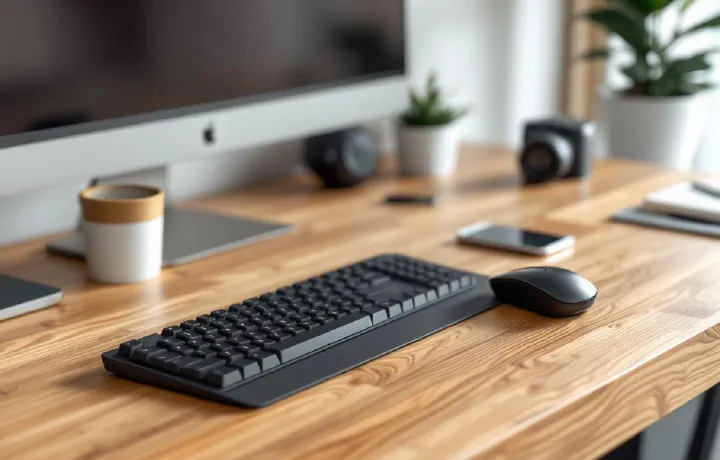
Best Wireless Keyboard and Mouse Combos for Home Office in 2026

A wireless keyboard and mouse combo is the simplest desk upgrade that makes the biggest visual difference. One dongle, no cables, a clean desk — and you can push everything aside when you need the space. The catch is that most bundled combos cut corners somewhere: mushy keys, a mediocre mouse, or a receiver that drops connection when you sneeze. We tested the current crop and found 7 combos worth recommending in 2026, whether you’re spending $30 or $200.

Best L-Shaped Desks for Home Office in 2026

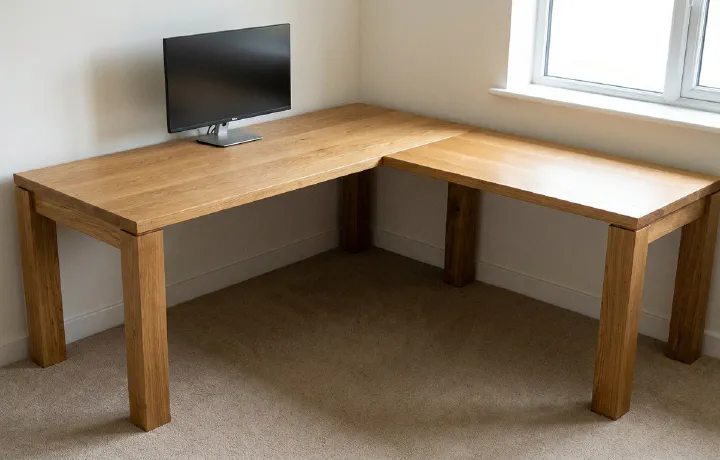
If you’re working from home with multiple monitors, a side project, or just need room to spread out, a standard rectangular desk starts feeling cramped fast. An L-shaped desk gives you roughly 50–70% more surface area while tucking neatly into a corner — making it the most space-efficient upgrade for a dedicated home office. The problem? The market is flooded with wobbly, particle-board nightmares dressed up with lifestyle photography. We dug through the noise to find 6 L-shaped desks that are actually worth buying in 2026, from a $150 budget pick to a premium sit-stand powerhouse.

Best Document Scanners for Home Office in 2026

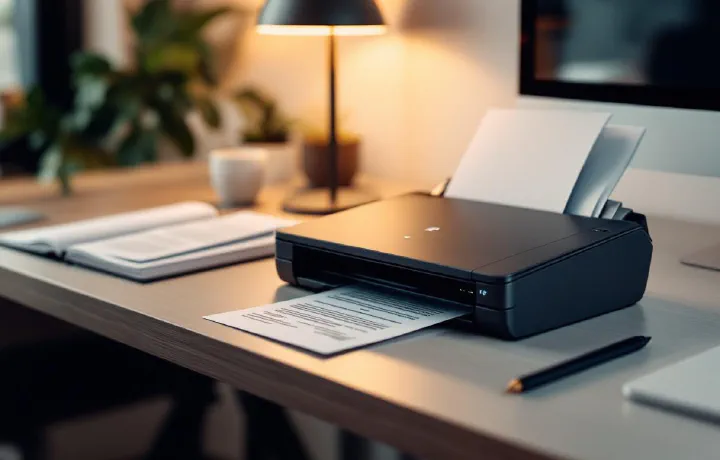
Going paperless is one of those things every home office worker means to do “eventually” — and then the desk slowly disappears under tax receipts, contracts, and that warranty card you’ll definitely need someday. A dedicated document scanner turns that pile into searchable PDFs in minutes, not hours. Your phone’s camera app can scan in a pinch, but it’s painfully slow for anything beyond one page, the quality varies with lighting, and there’s no automatic document feed. A proper scanner handles multi-page documents at 25–40 pages per minute, with OCR built in so you can actually search your files later.

Best USB Hub for Your Desk in 2026

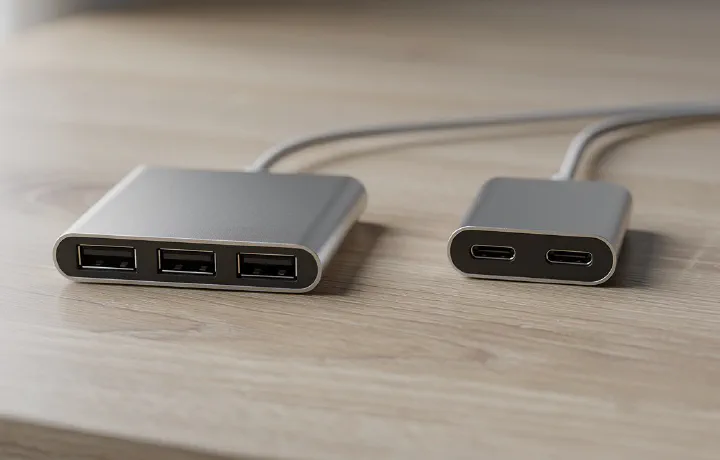
Your laptop has two USB-C ports. You need to connect a keyboard, mouse, webcam, external drive, headset, and maybe a printer. Something doesn’t add up. A USB hub solves this instantly — one cable from your laptop fans out to everything on your desk. But cheap hubs drop connections, overheat, or can’t deliver enough power. The right hub disappears into your workflow. The wrong one becomes a daily frustration. Here are the 7 best USB hubs for home office desks in 2026, from slim travel-friendly options to powered multi-port docks.

Best Noise Machine for Home Office in 2026

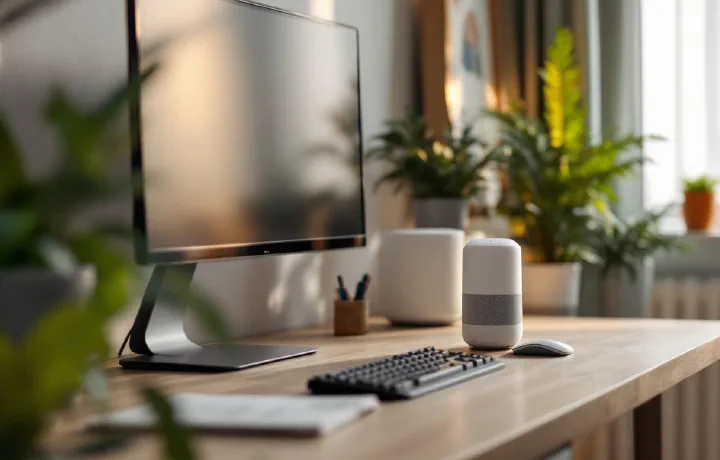
Working from home means working through barking dogs, construction noise, kids playing, delivery vans, and that neighbour who apparently mows their lawn every single day. Noise-cancelling headphones help — but wearing them for 8 hours straight isn’t comfortable, and they’re useless during video calls when you need your microphone open. A white noise machine fills your office with consistent, unobtrusive sound that masks those distracting noises without requiring anything on your head. Think of it as acoustic wallpaper — it doesn’t eliminate noise, but it makes irregular sounds blend into the background so your brain stops reacting to them.

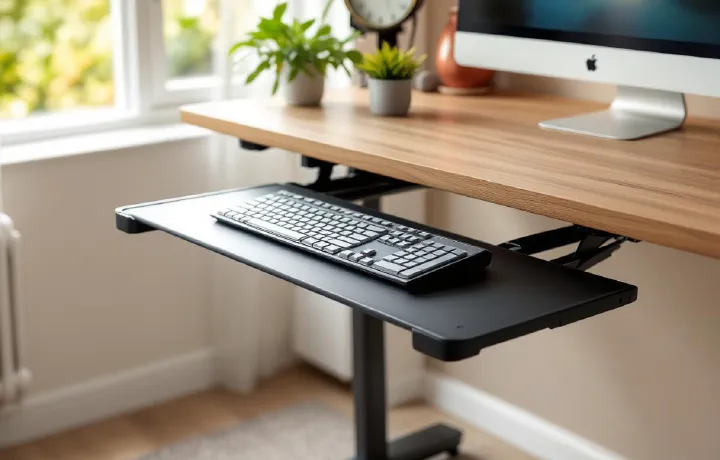
Best Adjustable Keyboard Tray for Home Office in 2026

Your desk is the wrong height for typing. Almost certainly. Standard desks are 28-30 inches tall. The ergonomically correct typing height — where your elbows are at 90 degrees and your wrists are neutral — is typically 26-28 inches for most people. That 2-4 inch gap means your shoulders are slightly raised, your wrists are slightly extended, and after eight hours of this, your body lets you know about it.

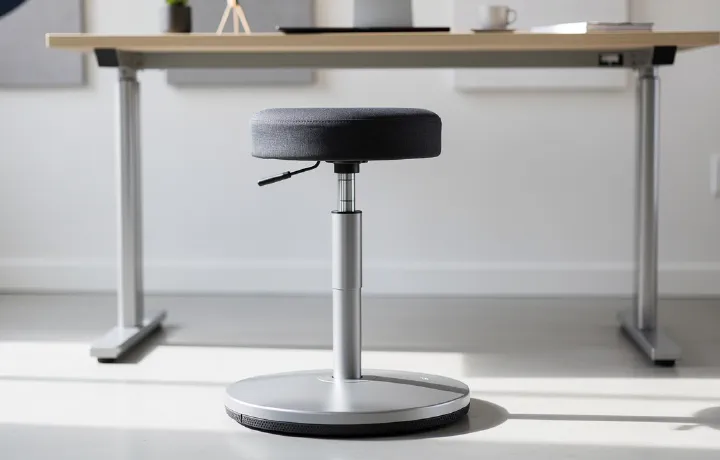
7 Best Standing Desk Stools and Active Chairs in 2026

Standing all day is just as bad as sitting all day. The real sweet spot is movement — alternating between sitting, standing, and perching throughout your workday. That’s where standing desk stools come in. These active chairs give you a middle ground between full sitting and full standing, letting you lean, perch, and shift your weight while keeping your legs engaged. If you own a standing desk (or even a sit-stand converter), a standing desk stool is arguably the most impactful accessory you can add. Pair it with a good standing desk mat and you’ve got a setup that keeps your body moving and your energy levels up through long work sessions.

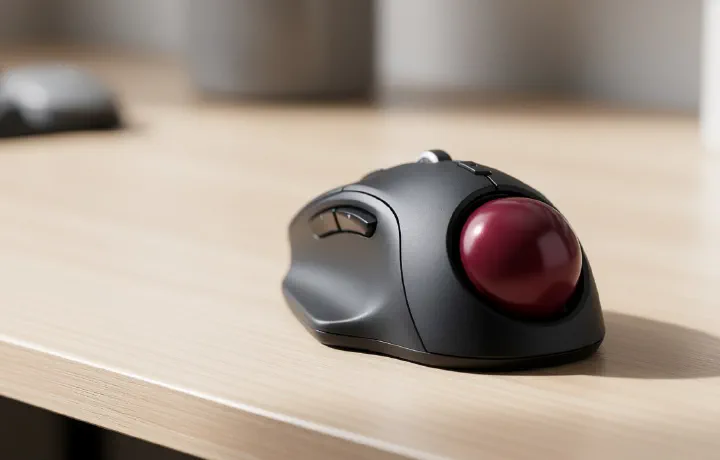
7 Best Ergonomic Trackball Mice for Home Office in 2026

If you’ve been battling wrist pain or forearm fatigue from long hours of mousing, a trackball might be exactly what your home office needs. Unlike a traditional mouse — where you push the entire device around your desk mat — a trackball stays stationary while you roll a ball with your thumb or fingers. Less arm movement, less strain, more desk space. Trackballs aren’t just for nostalgia. Modern ergonomic trackball mice feature precision optical sensors, wireless connectivity, and customisable buttons that rival any premium office mouse. They’re particularly brilliant if you work in tight spaces, use a sit-stand desk converter, or simply want to break the cycle of repetitive strain.

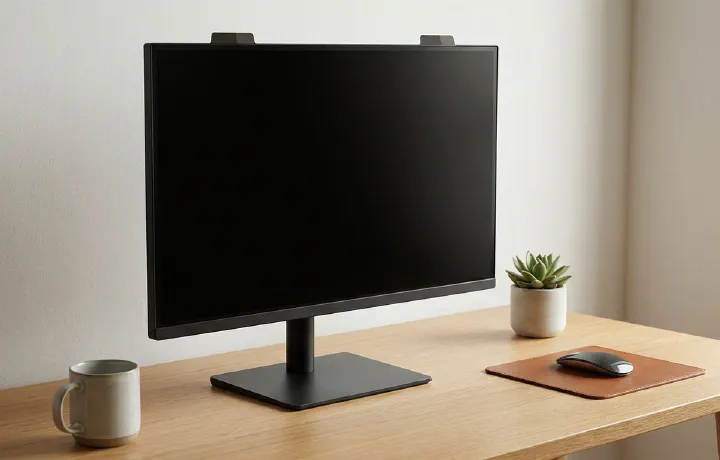
6 Best Privacy Screens for Monitors in 2026

Working from a coffee shop, co-working space, or shared home office? Anyone sitting beside you can see your screen. Emails, financial data, client documents, passwords — all visible to whoever glances over. A privacy screen filter blacks out your display to anyone viewing from an angle while keeping it perfectly clear for you sitting directly in front. Privacy screens aren’t just for corporate paranoia. If you work with sensitive data, take video calls with confidential information on screen, or simply don’t want your housemate reading your emails as they walk past your desk, a privacy filter is a cheap, effective security layer.

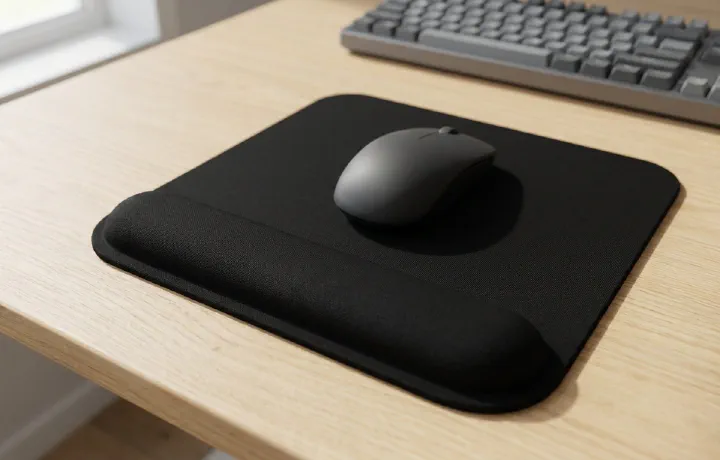
7 Best Ergonomic Mouse Pads for Home Office in 2026

If you spend eight hours a day at a desk, your wrist is doing thousands of micro-movements with the mouse. A flat, hard surface with no wrist support puts constant pressure on the carpal tunnel — that narrow passage of nerves and tendons on the underside of your wrist. Over months and years, this leads to pain, numbness, and repetitive strain injuries that are much easier to prevent than to treat.

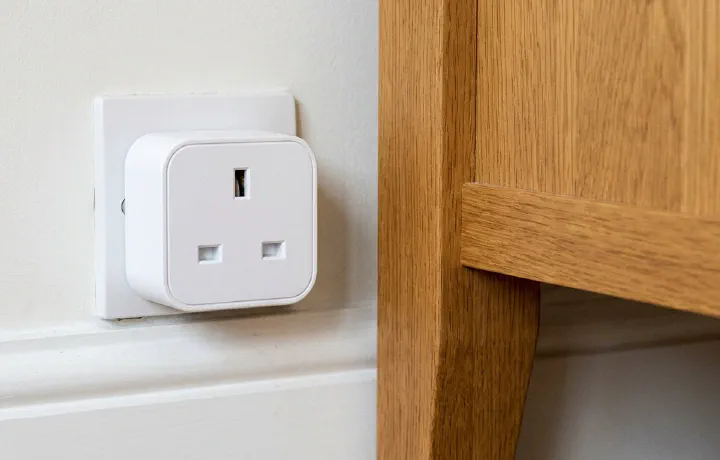
6 Best Smart Plugs for Home Office in 2026

A smart plug might be the most underrated home office upgrade. Plug your desk lamp, monitor, speakers, or desk fan into one, and suddenly you can turn your entire desk setup on or off with a voice command, a phone tap, or an automated schedule. No more reaching behind your desk to flip power strips, no more leaving monitors on standby overnight drawing phantom power. The real productivity benefit? Automation. Set your desk lights and monitor to turn on five minutes before your workday starts. Have everything shut off automatically at 6pm. Track how much energy your home office actually uses (it’s probably more than you think).

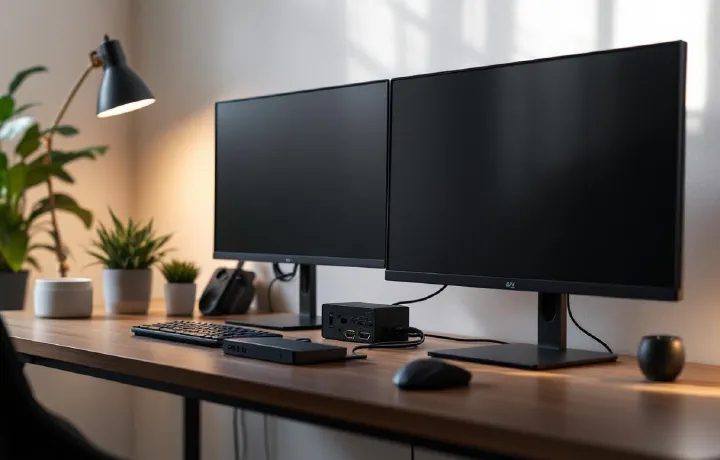
6 Best KVM Switches for Home Office in 2026

If you work from home with a personal PC and a work laptop — or juggle multiple machines — a KVM (keyboard, video, mouse) switch lets you control everything from a single keyboard, mouse, and monitor. No more swapping cables, no second set of peripherals cluttering your desk. One button press, and you’re on the other machine. The KVM switch market has improved enormously in the last two years. USB-C models now support 4K@60Hz passthrough, and switching times have dropped to under two seconds. But there’s a wide gap between the cheap HDMI boxes on Amazon and the premium DisplayPort units — and picking the wrong one means flickering screens, laggy peripherals, or resolution caps that make your nice monitor pointless.