Posts

Best Desk Accessories for Home Office in 2026: 7 Upgrades That Actually Matter

Your desk setup is only as good as the accessories on it. A great monitor on a great standing desk still feels chaotic if cables snake everywhere, your laptop teeters on a stack of books, and every flat surface is buried under pens, chargers, and sticky notes. The right desk accessories turn that cluttered surface into a focused, productive workspace — and you don’t need to spend a fortune to get there.

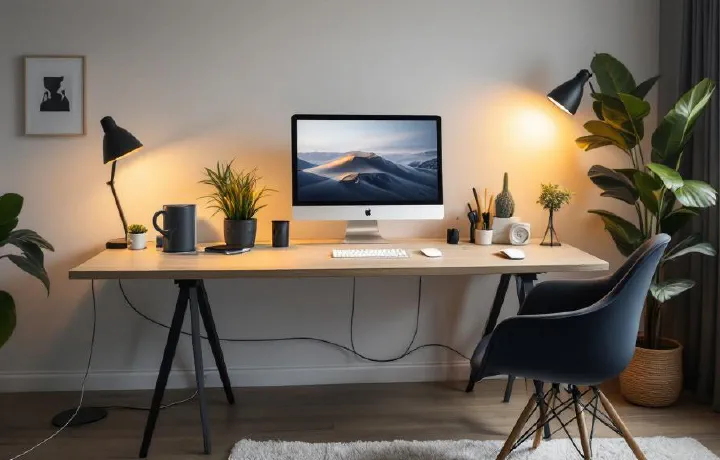
Best Cable Management Solutions for Home Office 2026

Cable clutter is the difference between a desk that looks professional and one that looks like a server room exploded. And it’s not just aesthetics — tangled cables are harder to troubleshoot, collect dust, restrict airflow, and make cleaning underneath your desk an ordeal. If you’ve invested in quality peripherals and a proper standing desk, spending $20–40 on cable management completes the setup. The good news is that cable management doesn’t have to be complicated. A combination of two or three solutions — a cable tray, some Velcro ties, and maybe a cable box — can transform a messy desk into a clean one in under an hour. No special skills required.

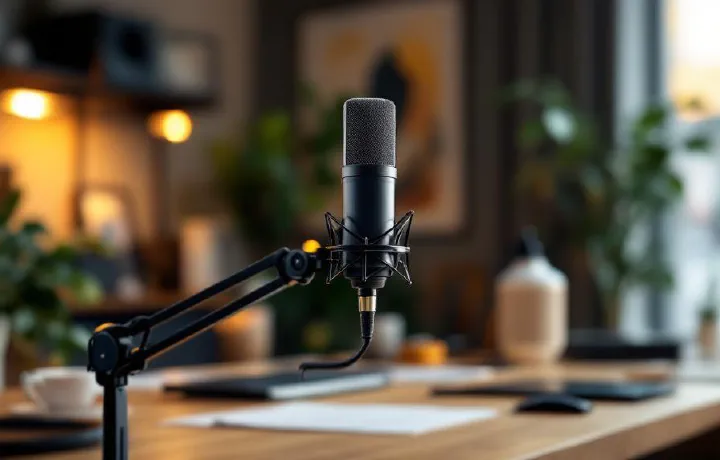
7 Best USB Microphones for Home Office in 2026

Your webcam microphone sounds terrible. Your headset mic is better, but you’re tired of wearing headphones for 8 hours. A dedicated USB microphone is the upgrade that makes you sound professional on every call — without anything on your head. The difference on video calls is immediate. Colleagues stop asking “can you repeat that?” Background noise disappears. Your voice sounds full, clear, and present. For anyone doing regular Zoom, Teams, or Google Meet calls, a good USB mic is one of the highest-impact home office upgrades you can make.

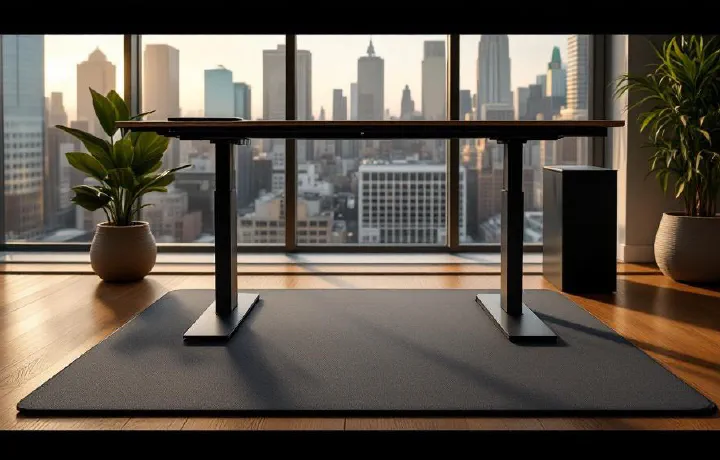
6 Best Standing Desk Mats (Anti-Fatigue) in 2026

A standing desk without an anti-fatigue mat is like running shoes without insoles — technically functional, completely miserable after an hour. Standing on a hard floor causes foot pain, leg fatigue, and lower back ache that makes you sit back down and never stand again. An anti-fatigue mat solves this by giving your feet a cushioned, slightly unstable surface that encourages micro-movements. Your muscles stay active instead of locking up, blood keeps flowing, and you can comfortably stand for 2–4 hours without discomfort.

6 Best Monitor Light Bars in 2026 (Tested & Compared)

If you’ve ever battled glare on your screen or squinted at your keyboard in a dim room, a monitor light bar is the simplest upgrade you haven’t made yet. Unlike a traditional desk lamp, a light bar clips directly onto your monitor, illuminating your desk surface without any light spilling onto the screen. The result: zero glare, less eye strain, and a desk free of lamp clutter. For anyone spending 6+ hours a day at a home office setup, it’s a no-brainer.

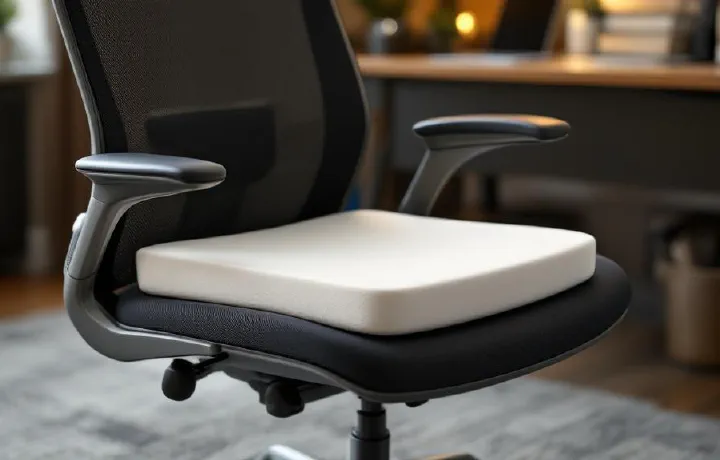
Best Office Chair Cushions 2026: Sit Comfortably All Day

Even the best ergonomic chair can feel punishing after eight hours. An office chair cushion adds pressure relief, tailbone support, and temperature regulation — often for under $50. If you’re stuck with a mediocre chair (or a kitchen chair that’s been “temporary” for three years), a quality seat cushion is the cheapest ergonomic upgrade you can make. We evaluated cushions on pressure distribution, durability after 6+ months of daily use, cover washability, and whether they actually stay put on the chair. Here are the seven best office chair cushions for 2026.

Best Monitor Risers & Desk Shelves 2026: Elevate Your Screen

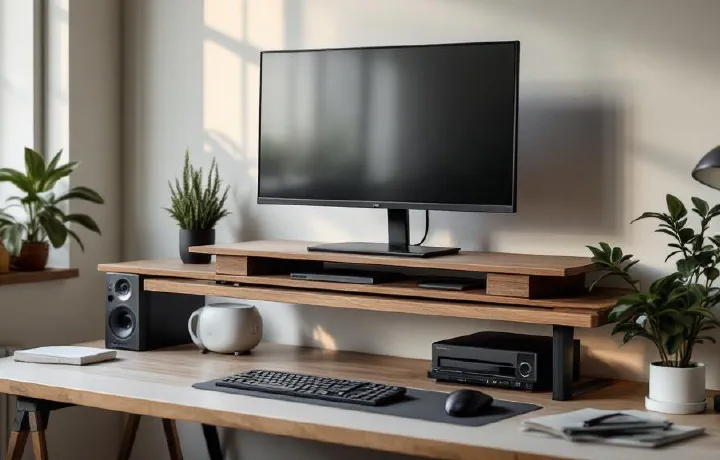
A monitor arm is the gold standard for screen positioning, but a monitor riser does 80% of the job at 20% of the cost — and doubles as desk storage. If your screen sits directly on the desk, you’re looking down at it, and that forward head tilt causes neck strain, shoulder tension, and headaches over time. A riser brings the top of your screen to eye level, which is where ergonomics guidelines say it should be.

Best Blue Light Glasses for the Office 2026: Reduce Eye Strain

If you spend 8+ hours staring at monitors, you’ve probably felt it: the dry eyes, the dull headache behind your temples, the difficulty focusing by late afternoon. Blue light glasses filter the high-energy visible (HEV) light that screens emit, reducing strain and potentially improving sleep quality when you work late. The science is nuanced — blue light glasses won’t cure eye strain caused by poor posture or insufficient lighting (fix your desk lamp first). But for screen-heavy workers, a good pair noticeably reduces fatigue. Here are seven pairs worth wearing.

Standing Desk vs Sitting Desk: Pros, Cons, Health Research 2026

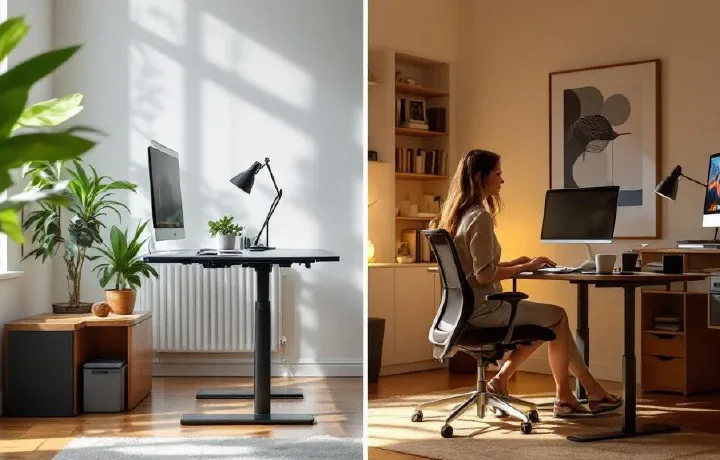
Introduction # Here’s a number that should make you uncomfortable: the World Health Organization estimates that physical inactivity contributes to roughly 3.2 million deaths globally every year. And for those of us who work desk jobs — which is a growing majority of the workforce — a huge portion of that inactivity happens while we’re “at work,” sitting in the same position for eight, ten, sometimes twelve hours a day.

How to Set Up Dual Monitors: Complete Guide for Home Office

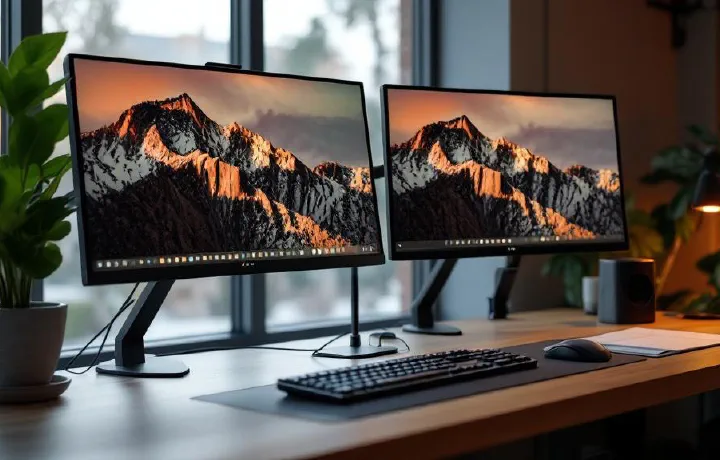
A dual monitor setup is one of the biggest productivity upgrades you can make to your home office. Research from the University of Utah found that dual monitors increase productivity by 20-30% for knowledge workers. Having your email or chat on one screen while working on a document, spreadsheet, or design on the other eliminates the constant alt-tabbing that fragments your focus. This guide walks you through everything you need to set up dual monitors — from choosing the right hardware to configuring display settings and positioning your screens ergonomically. If you’re still shopping for monitors, check our best monitors for working from home guide first.

Flexispot E7 vs Uplift V2: Standing Desk Showdown 2026

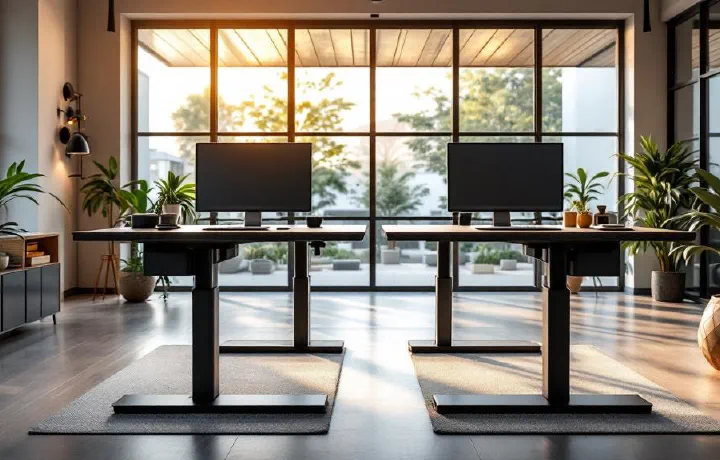
Introduction # If you’ve been shopping for an electric standing desk in 2026, two names keep popping up over and over again: the Flexispot E7 and the Uplift V2. These are arguably the two most popular mid-range standing desks on the market, and for good reason — both offer dual-motor lift systems, impressive weight capacities, and solid build quality that puts many competitors to shame. But choosing between them can feel surprisingly difficult, because on paper they look almost identical.

Best Vertical Mouse for Home Office in 2026

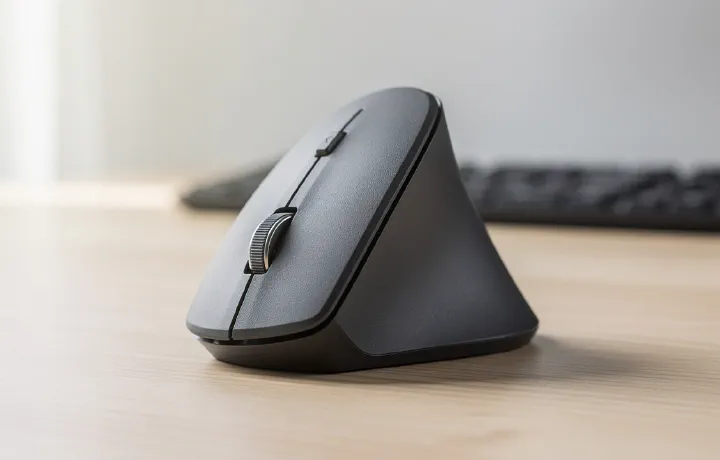
If your wrist aches after a long day of work, your mouse is probably the culprit. Traditional mice force your forearm into a pronated (palm-down) position that compresses the carpal tunnel and strains the wrist over time. A vertical mouse rotates your hand into a neutral “handshake” position, relieving that pressure immediately. The adjustment period is about a week — after that, most people never go back. Here are the 7 best vertical mice in 2026, from budget picks to premium ergonomic workhorses.