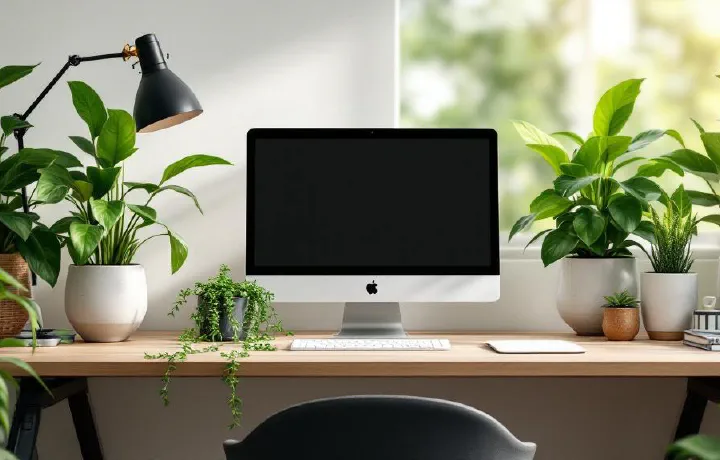
Plants on your desk aren’t just decoration — research consistently shows they reduce stress, improve air quality, and boost productivity. The problem? Most of us kill them within a month.
This guide focuses on desk-sized plants that are genuinely hard to kill, plus the best planters and accessories to keep them alive. Every product links to Amazon for easy ordering.
Our Top Picks at a Glance # Pothos (Devil’s Ivy) — Near-indestructible desk plant, ~$15–25, care level: minimal ZZ Plant (Zamioculcas) — Best for low light offices, ~$20–30, care level: minimal Snake Plant (Sansevieria) — Best air purifier, ~$15–30, care level: minimal Chinese Evergreen (Aglaonema) — Best for colour variety, ~$15–25, care level: easy Succulents Variety Pack — Best for bright desks, ~$20–30, care level: easy Peace Lily — Best flowering desk plant, ~$20–35, care level: easy Rubber Plant (Ficus elastica) — Best statement plant, ~$15–30, care level: easy Spider Plant (Chlorophytum) — Best pet-safe option, ~$10–20, care level: minimal LECHUZA Cube Planter — Best self-watering planter, ~$25–40 Miracle-Gro Indoor Plant Food — Best plant food, ~$10 1. Pothos (Devil’s Ivy) — Best Overall Desk Plant # If you can only get one plant, get a pothos. It tolerates low light, irregular watering, and general neglect with remarkable grace. The trailing vines look great draped over a monitor riser or cascading from a hanging planter next to your desk.
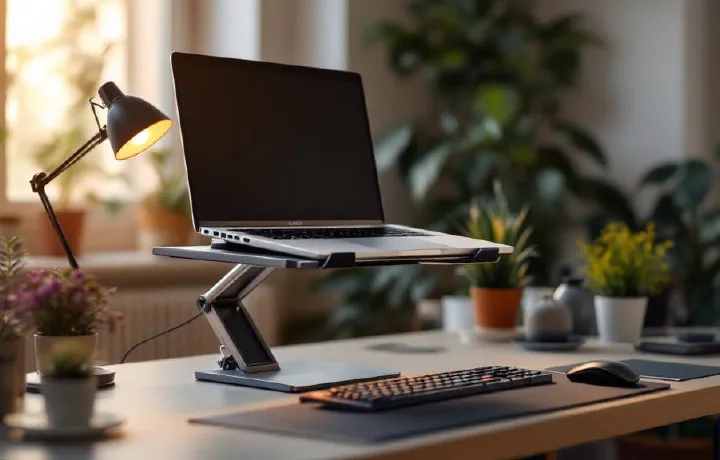
Introduction # If you work from a laptop for any serious amount of time, you’ve probably noticed the problem: the screen is too low. Your neck tilts forward, your shoulders hunch, and after a few hours you’ve got that familiar ache running from the base of your skull down between your shoulder blades. It’s not your imagination — laptop ergonomics are genuinely terrible by design. The keyboard and screen are attached, which means if one is at the right height, the other isn’t.
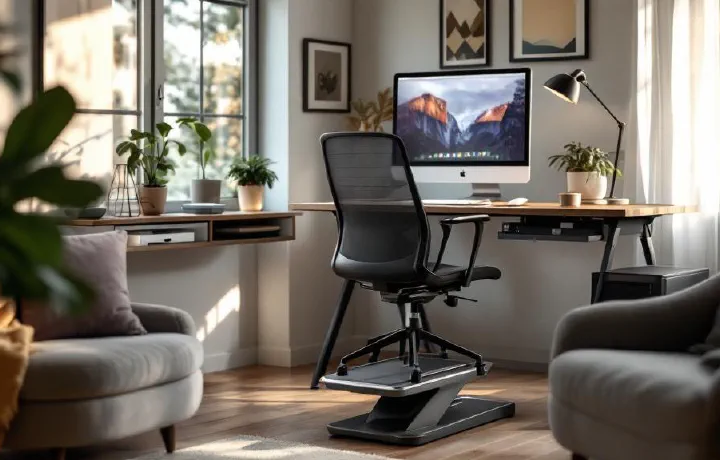
If your feet dangle when you sit at your desk — or you just can’t get comfortable no matter how many times you adjust your chair — a footrest might be the cheapest ergonomic upgrade you can make. We’re talking $25–120 for something that genuinely changes how your lower body feels after an eight-hour workday.
The logic is simple: when your feet aren’t properly supported, your thighs take the pressure. That compresses blood flow, creates tension in your lower back, and leaves you shifting around in your chair all day trying to find a position that works. A good footrest fixes that by keeping your feet at the right height and angle, so your knees sit at roughly 90 degrees and your weight distributes evenly.
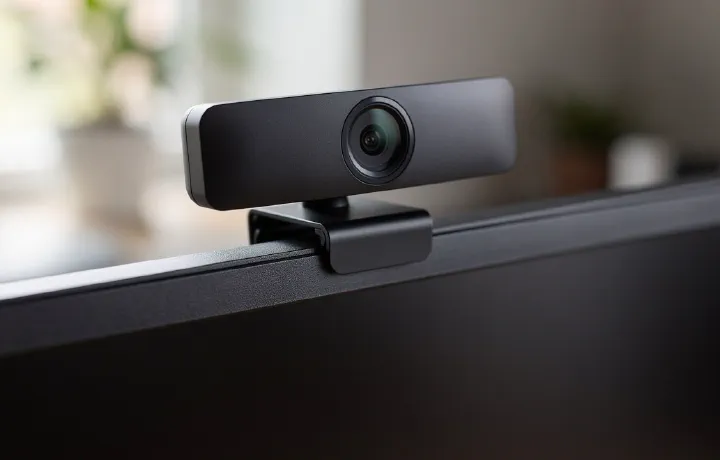
Your laptop webcam is probably terrible. The tiny sensor, wide-angle distortion, and up-the-nose camera angle make you look washed out and unprofessional on every video call. A dedicated external webcam — mounted at eye level on your monitor — makes a night-and-day difference to how you appear on Zoom, Teams, and Google Meet.
We’ve compared seven of the best webcams for video calls in 2026, covering everything from budget 1080p cameras to 4K models with AI-powered features. Whether you’re in daily standups or presenting to clients, here’s what’s worth buying.
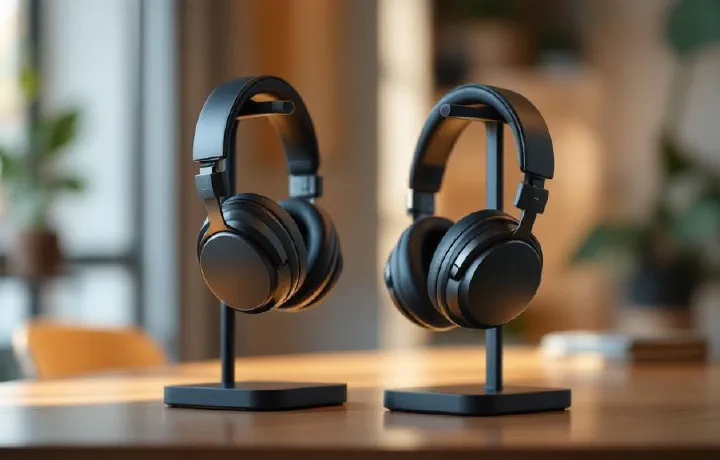
Noise-cancelling headphones have gone from luxury to necessity for office workers. Whether you’re in an open-plan office, a co-working space, or a home office with a noisy household, good ANC headphones let you create silence on demand. The difference in focus and productivity is dramatic — studies show that ambient noise reduces cognitive performance by up to 66% on complex tasks.
This guide covers the best noise-cancelling headphones and earbuds for office use in 2026. We’re focused on what matters for work: ANC quality, microphone clarity for calls, comfort for all-day wear, and battery life. Music quality matters too, but it’s secondary.
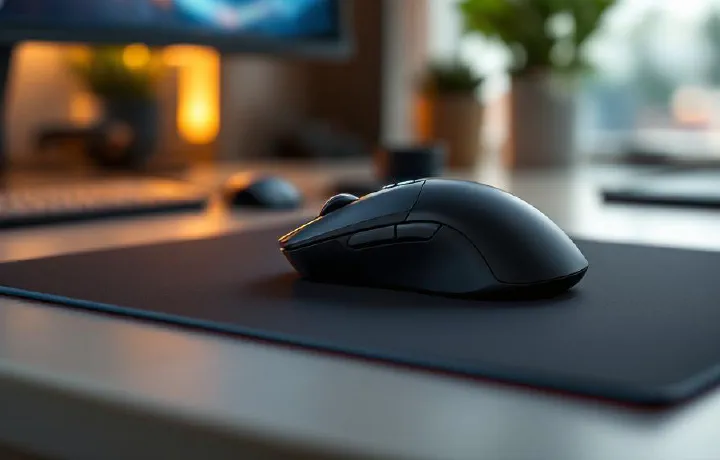
Your mouse is the tool you touch more than anything else at your desk. If you’re still using the flimsy one that came with your computer — or worse, a laptop trackpad for eight hours a day — you’re leaving comfort and productivity on the table.
A good office mouse reduces wrist strain, speeds up workflow with programmable buttons, and connects seamlessly across multiple devices. We’ve compared seven of the best mice for office work in 2026, covering everything from flagship productivity mice to ergonomic vertical designs and budget-friendly options.
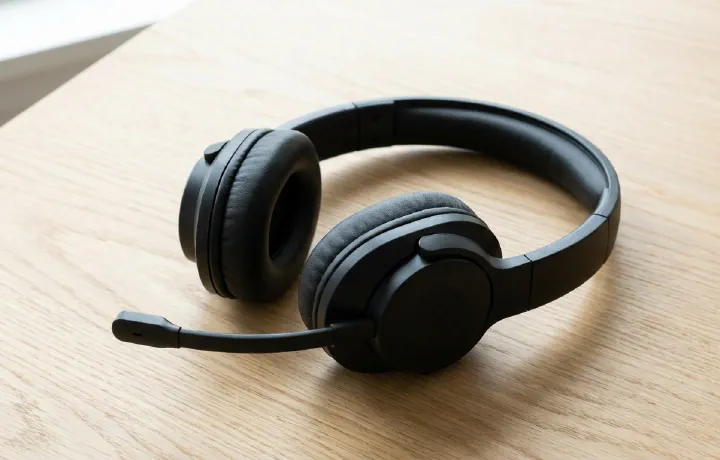
If you work from home, a good headset isn’t optional — it’s infrastructure. You need clear audio for calls, noise cancellation for focus, and enough comfort to wear them for hours without your ears aching. The wrong headset means colleagues asking “can you repeat that?” and construction noise bleeding into every Zoom meeting.
We’ve compared seven of the best headsets for working from home in 2026, from premium noise-cancelling headphones to purpose-built office headsets and budget options. Whether you’re in back-to-back meetings or need to block out a noisy household, there’s a pick here for you.
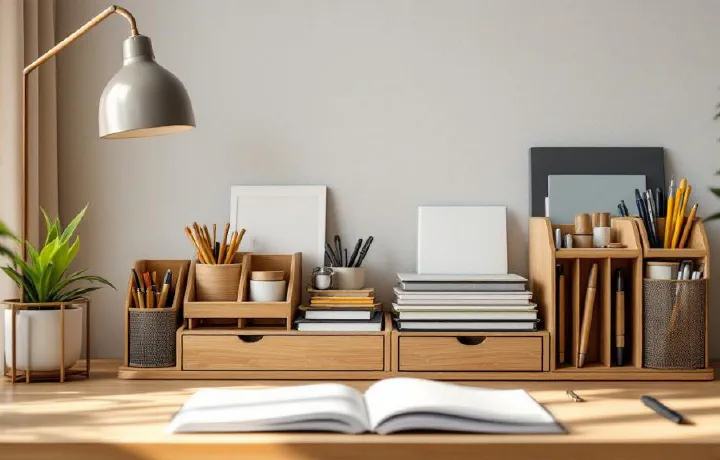
A cluttered desk isn’t just ugly — it’s actively working against you. Research from Princeton University found that visual clutter competes for your attention, reducing your ability to focus and process information. If your desk is covered in loose cables, scattered pens, sticky notes, and random gadgets, your brain is spending energy filtering out that noise instead of doing actual work.
The fix is surprisingly simple. A good desk organizer gives everything a home, reclaims surface space, and makes your workspace feel intentional rather than chaotic. And in 2026, desk organizers have evolved well beyond the basic pen holder — we’re talking modular systems, magnetic mounts, integrated wireless chargers, and materials that actually look good on a modern desk.
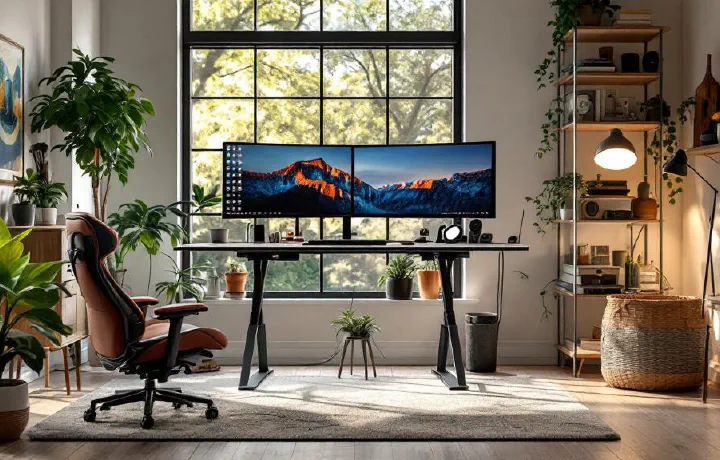
Working from home is brilliant — no commute, your own coffee, trousers optional. But a poorly set-up home office can turn that freedom into neck pain, eye strain, and a productivity slump before you’ve even noticed it happening.
Whether you’re setting up your first dedicated home workspace or upgrading from the kitchen table, this home office setup guide covers everything you need to know. We’ll walk through the essentials in order of priority, suggest specific products where helpful, and share the mistakes we see people make most often.
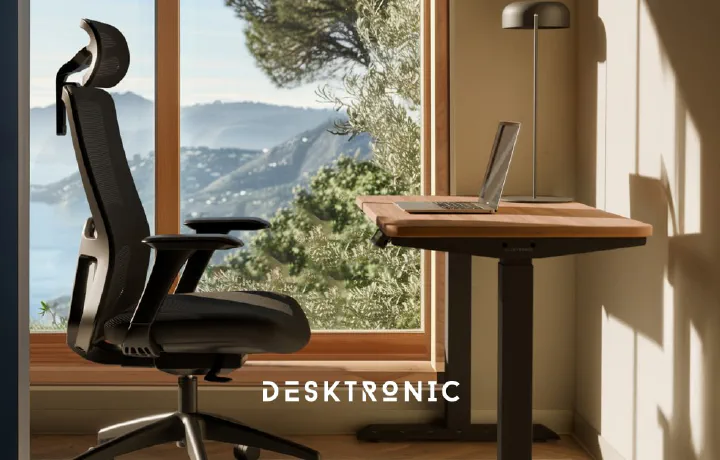
A good ergonomic chair is one of the best investments you can make for your home office — arguably even more important than your desk. But with prices ranging from £100 to £1,500+, finding the right balance between comfort, build quality, and value can feel overwhelming.
We’ve compared seven of the best ergonomic office chairs under £500 to help you skip the guesswork. Whether you’re spending £150 or pushing close to the £500 mark, there’s a genuinely good option at every price point.
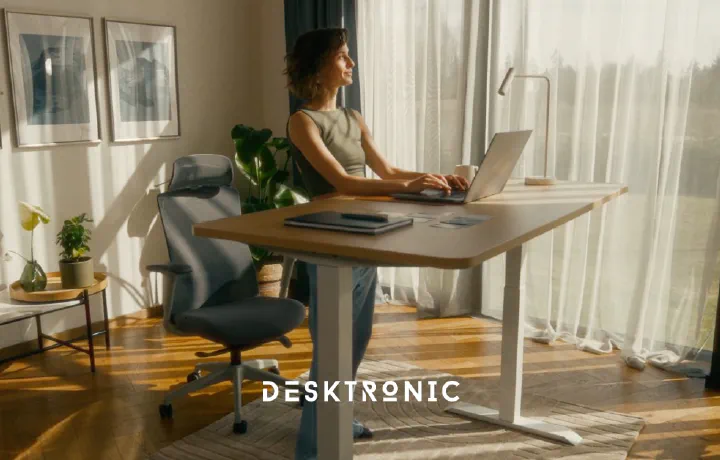
If you’re shopping for the best standing desk in 2026, you’ve probably noticed there are a lot of options. Electric sit-stand desks have gone from niche ergonomic accessories to mainstream home office furniture, and the market is more competitive than ever.
We’ve spent weeks researching and comparing seven of the most popular standing desks side by side — measuring stability, motor speed, build quality, and overall value. Whether you’re after a budget-friendly option or a premium desk that’ll last a decade, this guide has you covered.
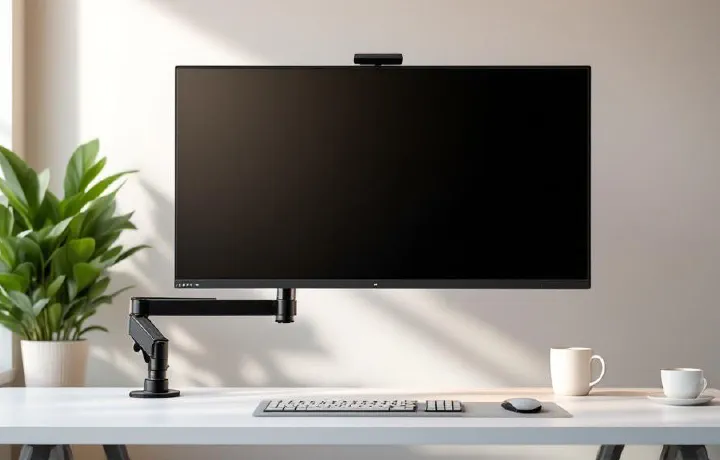
If you’re still working off a laptop screen — squinting at tiny text, hunching forward, running out of space — an external monitor is probably the single biggest upgrade you can make to your home office.
We’ve compared five of the best monitors for working from home in 2026, covering every price point from budget-friendly to premium. None of these are gaming monitors (we’ll leave that to other sites). These are monitors optimised for productivity: sharp text, accurate colours, comfortable viewing, and sensible features for all-day work.