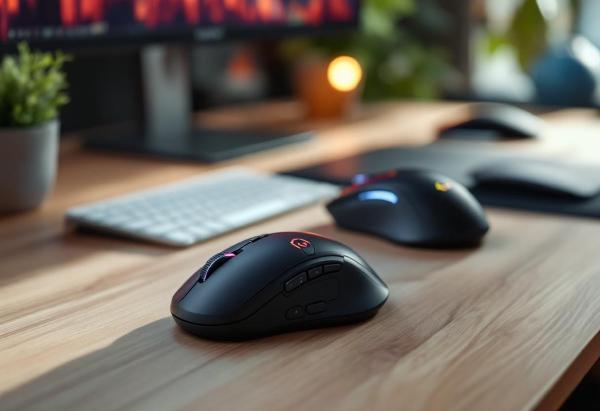
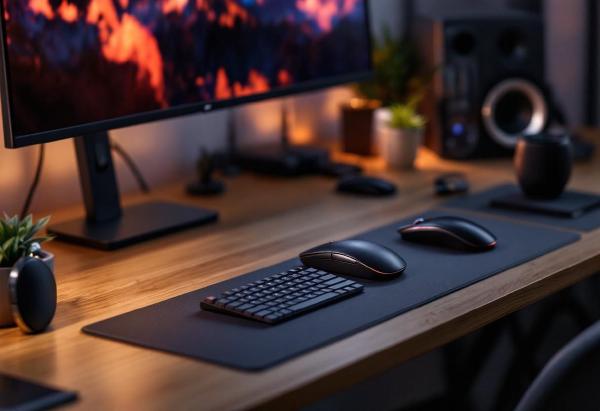
In today’s fast-paced digital workplace, every second counts. While a standard mouse might get the job done, a true productivity mouse can dramatically enhance your workflow efficiency through programmable buttons, advanced sensors, gesture controls, and intelligent features designed specifically for professional use.
After extensive testing with various productivity-focused mice across different professional scenarios, we’ve identified the top options that can genuinely transform how you work. These aren’t just fancy mice—they’re productivity tools that can save hours of work each week through smart automation and optimized workflows.
Mechanical keyboards aren’t just for gamers anymore. In fact, they’re increasingly becoming the preferred choice for office professionals who spend hours typing each day. The tactile feedback, durability, and customization options make mechanical keyboards an excellent investment for anyone serious about their workspace setup.
After testing dozens of mechanical keyboards in professional settings, we’ve compiled this comprehensive guide to the best mechanical keyboards for office use in 2026. Whether you prioritize quiet operation for open offices, wireless convenience, or premium build quality, there’s a perfect mechanical keyboard waiting for your desk.
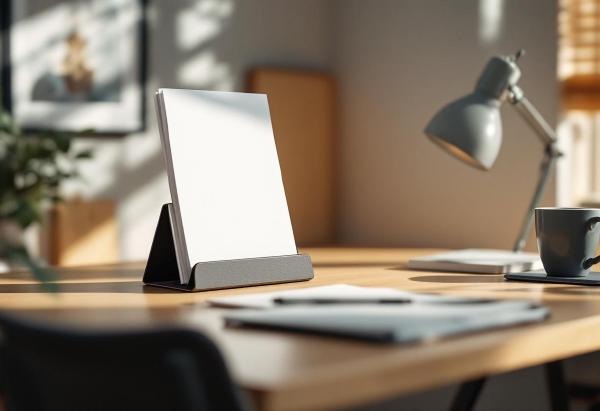
A quality document holder transforms your workspace ergonomics by positioning reference materials at eye level, reducing neck strain and improving overall posture during extended work sessions. These essential desk accessories eliminate the need to constantly look down at papers, preventing the “tech neck” syndrome that affects millions of office workers.
Professional document holders range from simple inclined stands to sophisticated adjustable systems with multiple viewing angles. The right choice depends on document types, desk space constraints, and specific ergonomic requirements. Whether reviewing contracts, referencing printed materials, or following step-by-step instructions, a properly positioned document holder enhances both comfort and productivity.
Transform your home office with proper lighting. This comprehensive guide covers everything from desk lamps and overhead fixtures to natural light optimization and video call lighting setup.
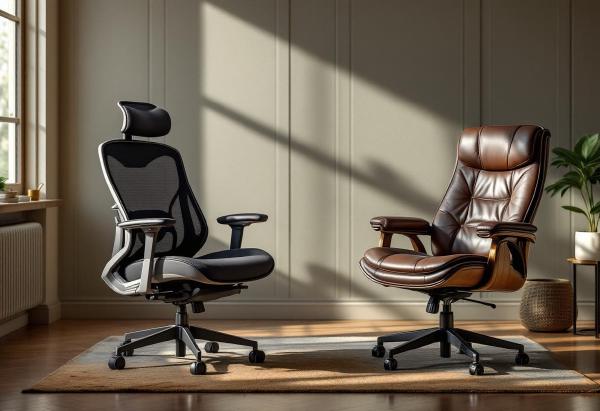
Choosing between mesh and leather office chairs? We compare breathability, comfort, durability, maintenance, and cost to help you make the right choice for your home office.
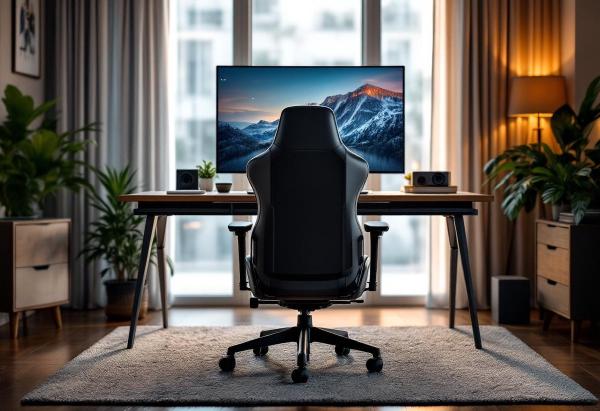
Best Gaming Chairs for Office Work: The Ultimate Guide for Professionals # Gaming chairs have evolved far beyond their flashy RGB-lit origins. Today’s best gaming chairs offer the perfect blend of ergonomic support, premium comfort, and professional aesthetics that make them ideal for office work. Whether you’re working from home or setting up a dual-purpose gaming and work space, the right gaming chair can transform your productivity and comfort.
When it comes to premium wireless mice for work, two models consistently top the charts: the Logitech MX Master 3S and the Razer Pro Click. Both promise superior ergonomics, professional features, and the wireless freedom that modern remote workers demand. But which one deserves a spot on your desk?
After extensive testing and daily use, we’ve put these two productivity powerhouses head-to-head. The MX Master 3S excels at creative workflows and multi-device management, while the Pro Click brings gaming-grade precision to professional tasks. Your choice depends on your specific workflow needs and hand size.
Bad posture is the home office epidemic nobody talks about enough. When you worked in an office, you at least had a purpose-built chair and a desk at the right height. At home, you might be hunched over a laptop on the kitchen table — and your body is keeping score.
The good news: you don’t need to spend thousands to fix your posture. Most improvements come from adjusting what you already have, building a few habits, and adding one or two key products. This guide covers everything that actually works, based on ergonomic research and real-world home office experience.
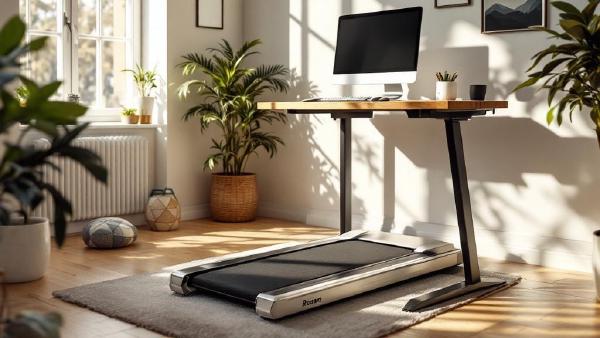
Sitting all day is terrible for your health — but so is standing still for eight hours. Under-desk treadmills offer a middle ground: gentle walking at 1–2 mph while you type, take calls, or review documents. The movement keeps your blood flowing, burns calories in the background, and — according to a growing body of research — actually improves focus and creativity during routine tasks.
If you’ve already invested in a height-adjustable desk from our best standing desks 2026 guide, an under-desk treadmill is the logical next step. Raise the desk, slide the treadmill underneath, and walk your way through the workday. Most people find they can comfortably type, mouse, and even join video calls while walking at a gentle pace — the trick is keeping it slow enough that you’re not bouncing on camera.
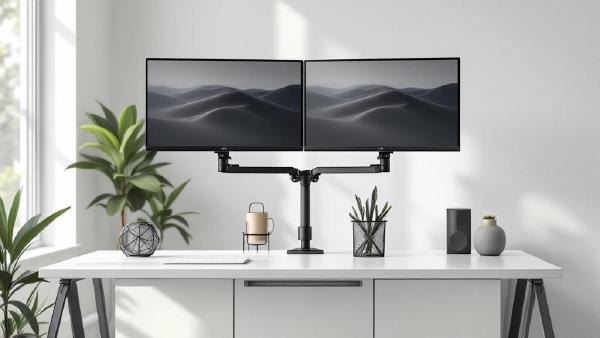
A monitor arm is one of the highest-impact upgrades you can make to a home office. The stock stand that ships with most monitors is designed for one thing: holding the screen upright on a shelf at Best Buy. It wasn’t engineered for your desk, your posture, or your workflow. A proper monitor arm reclaims the entire footprint of that stand — often 8×10 inches of prime desk real estate — and lets you position your screen at exactly the right height, depth, and angle for comfortable all-day viewing.
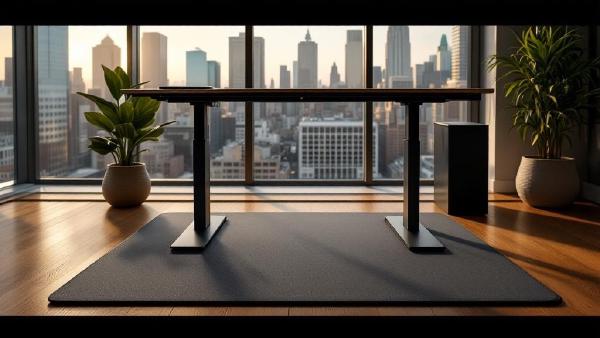
A standing desk without an anti-fatigue mat is like running shoes without insoles — technically functional, completely miserable after an hour. Standing on a hard floor causes foot pain, leg fatigue, and lower back ache that makes you sit back down and never stand again.
An anti-fatigue mat solves this by giving your feet a cushioned, slightly unstable surface that encourages micro-movements. Your muscles stay active instead of locking up, blood keeps flowing, and you can comfortably stand for 2–4 hours without discomfort.
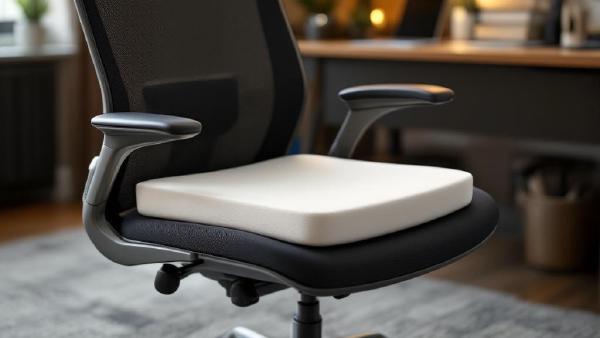
Even the best ergonomic chair can feel punishing after eight hours. An office chair cushion adds pressure relief, tailbone support, and temperature regulation — often for under $50. If you’re stuck with a mediocre chair (or a kitchen chair that’s been “temporary” for three years), a quality seat cushion is the cheapest ergonomic upgrade you can make.
We evaluated cushions on pressure distribution, durability after 6+ months of daily use, cover washability, and whether they actually stay put on the chair. Here are the seven best office chair cushions for 2026.