Posts

Best Sit-Stand Desk Converter 2026: Top Picks for Any Budget

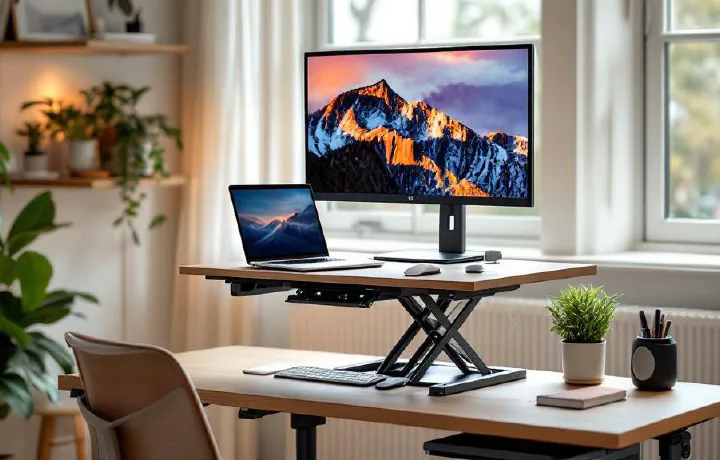
Not everyone wants to replace their entire desk just to stand while working. Maybe you like your current desk. Maybe you’re renting and the landlord’s furniture stays. Maybe you just don’t want to spend $500+ on a full standing desk when a converter can do the job for half the price. Sit-stand desk converters sit on top of your existing desk and raise your monitor and keyboard to standing height. When you want to sit, you lower them back down. It’s a simpler, cheaper path to the health benefits of alternating between sitting and standing throughout your day — no desk swap required.

Best Power Strip for Desk 2026: Surge Protection Meets Clean Cable Management

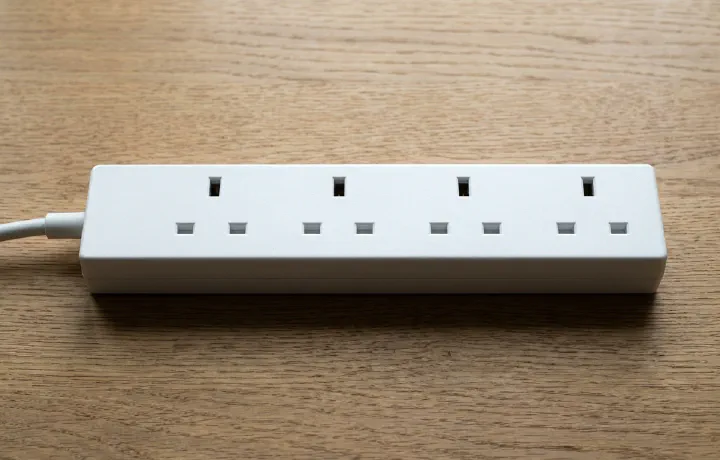
Every home office has the same dirty secret hidden behind the desk: a tangled mess of power cables feeding into an ugly power strip that was designed for a garage workshop, not a workspace you sit at for 8 hours a day. Modern desk power strips solve two problems at once. First, they provide surge protection for your expensive gear — your monitor, docking station, and desk lamp all deserve protection from voltage spikes. Second, they integrate USB-A and USB-C charging ports so you can ditch those individual phone and tablet chargers cluttering your desk accessories setup.

Best Portable Monitor for Work 2026: Top Picks for Remote Workers

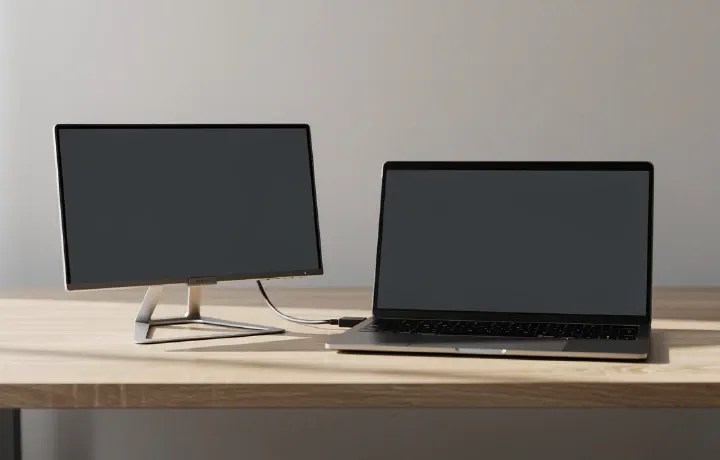
A second screen boosts productivity by roughly 20–30% for most knowledge workers. That’s not marketing fluff — it’s backed by research from Jon Peddie Research and Microsoft’s own internal studies. But what if your second screen needs to travel with you? Portable monitors solve a specific problem: giving you dual-monitor capability anywhere — coffee shops, co-working spaces, hotel rooms, or just moving between rooms at home. They’re typically 13–17 inches, powered by a single USB-C cable, and light enough to toss in a laptop bag.

How to Improve Your Posture Working From Home (Practical Guide)

Bad posture is the home office epidemic nobody talks about enough. When you worked in an office, you at least had a purpose-built chair and a desk at the right height. At home, you might be hunched over a laptop on the kitchen table — and your body is keeping score. The good news: you don’t need to spend thousands to fix your posture. Most improvements come from adjusting what you already have, building a few habits, and adding one or two key products. This guide covers everything that actually works, based on ergonomic research and real-world home office experience.

Herman Miller Aeron vs Secretlab Titan: Which Chair Is Worth It?

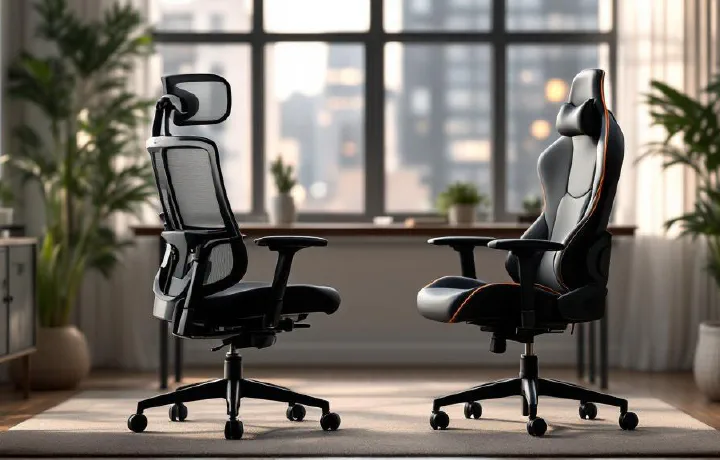
The Herman Miller Aeron and Secretlab Titan Evo are two of the most recommended office chairs online — but they come from completely different worlds. The Aeron is a 30-year-old design icon favoured by corporate offices and ergonomic purists. The Titan is a gaming-chair-turned-office-chair that’s built a massive following through aggressive marketing and genuinely solid engineering. At roughly $1,400 vs $500, they’re not even in the same price bracket. So the real question isn’t just which is “better” — it’s which one makes sense for your work, body, and budget.

27-Inch vs 32-Inch Monitor for Work: Which Size Is Right for You?

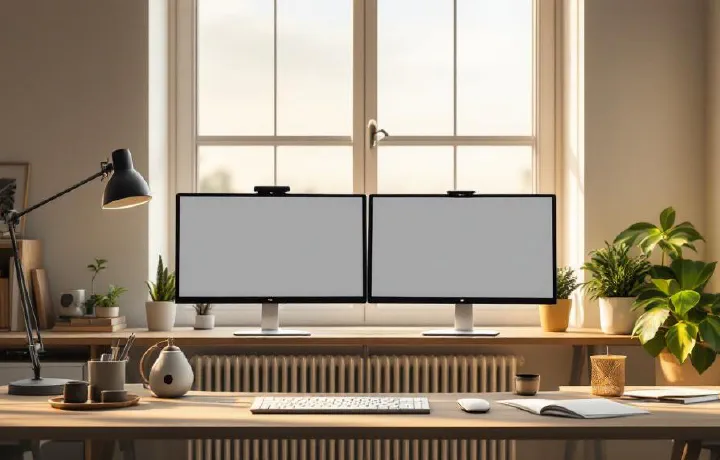
Choosing between a 27-inch and 32-inch monitor is one of those decisions that seems simple until you actually start thinking about it. Both are popular sizes for home office work, and both have passionate advocates. But the “right” size depends on your desk depth, resolution needs, eyesight, and what kind of work you do. We’ve worked extensively with both sizes across different tasks — spreadsheets, writing, coding, video calls, and design work — to help you make a confident choice. If you’re still figuring out your overall monitor situation, our best monitors for working from home roundup covers specific model recommendations.

Best Wireless Charger for Desk 2026: Top Picks for Effortless Charging

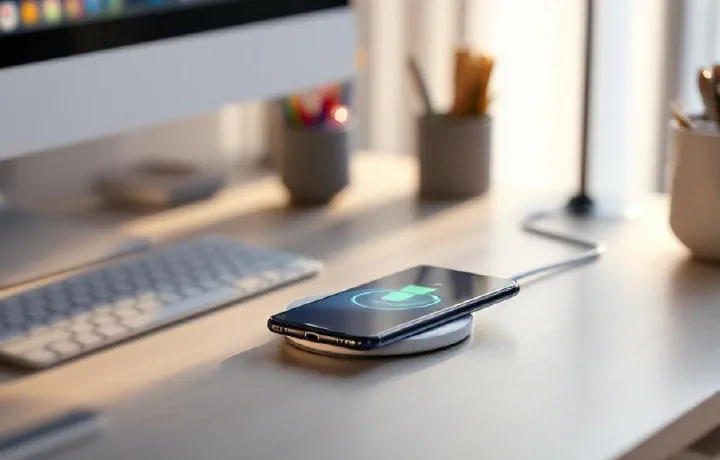
If your desk has a tangle of Lightning cables, USB-C cords, and watch chargers sprawling across it, a wireless charger is one of the simplest upgrades you can make. Drop your phone on a pad, set your earbuds beside it, and they charge — no fumbling with connectors, no cable wear, no clutter. In 2026, the Qi2 standard has made wireless charging faster and more reliable than ever. Magnetic alignment (the same technology behind MagSafe) is now universal across both iPhone and Android flagships, meaning your phone snaps into the perfect charging position every time. Speeds have climbed to 15W as standard, with some chargers pushing higher for compatible devices.

Best Under Desk Treadmills 2026: Walk While You Work

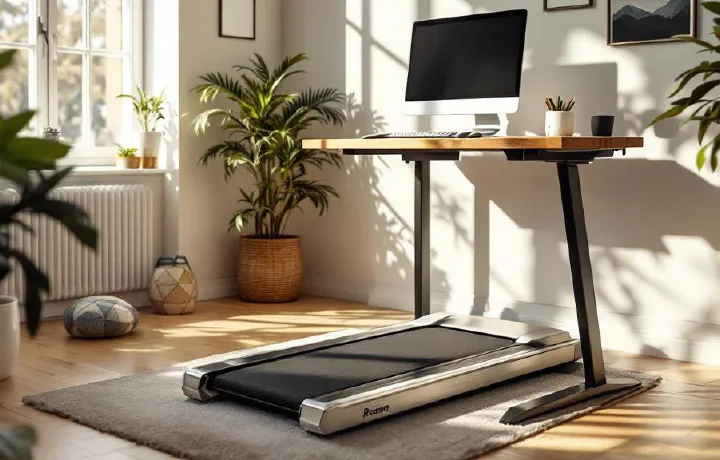
Sitting all day is terrible for your health — but so is standing still for eight hours. Under-desk treadmills offer a middle ground: gentle walking at 1–2 mph while you type, take calls, or review documents. The movement keeps your blood flowing, burns calories in the background, and — according to a growing body of research — actually improves focus and creativity during routine tasks. If you’ve already invested in a height-adjustable desk from our best standing desks 2026 guide, an under-desk treadmill is the logical next step. Raise the desk, slide the treadmill underneath, and walk your way through the workday. Most people find they can comfortably type, mouse, and even join video calls while walking at a gentle pace — the trick is keeping it slow enough that you’re not bouncing on camera.

Best Office Speakers 2026: Top Picks for Crystal Clear Audio in Your Home Office

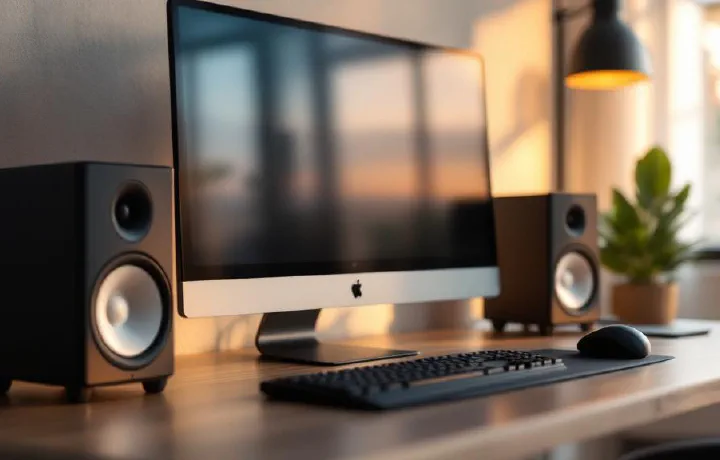
Laptop speakers are designed for portability, not quality — and after eight hours of tinny audio bleeding out of a MacBook’s keyboard deck, the fatigue is real. A proper pair of desk speakers transforms your workday: podcasts sound rich instead of hollow, video calls are crisp instead of muffled, and music actually fills the room during focus sessions. The good news is that office speakers don’t need to be massive or expensive. The best ones are compact enough to sit behind or beside your monitor, connect wirelessly or via USB, and deliver balanced sound that’s tuned for voices and mid-range clarity rather than earth-shaking bass.

Best Monitor Arms 2026: Top Picks for Ergonomic Desk Setups

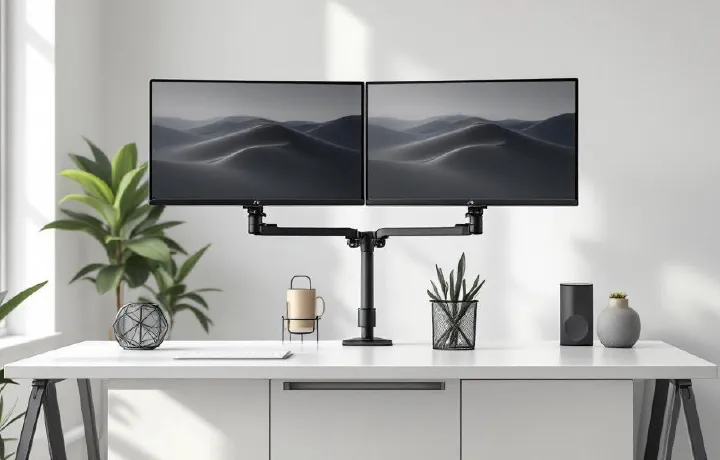
A monitor arm is one of the highest-impact upgrades you can make to a home office. The stock stand that ships with most monitors is designed for one thing: holding the screen upright on a shelf at Best Buy. It wasn’t engineered for your desk, your posture, or your workflow. A proper monitor arm reclaims the entire footprint of that stand — often 8×10 inches of prime desk real estate — and lets you position your screen at exactly the right height, depth, and angle for comfortable all-day viewing.

Best Ergonomic Keyboards 2026: Top Picks to Reduce Wrist Pain and Boost Comfort

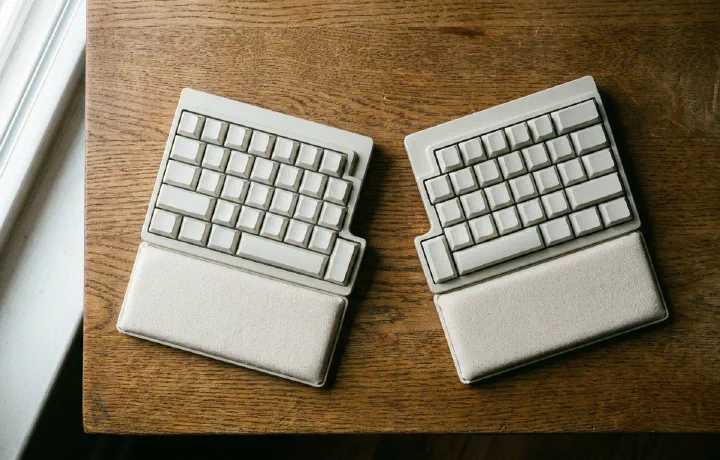
If you type for more than a few hours a day, your keyboard is either helping your wrists or slowly damaging them. Traditional straight keyboards force your hands into an unnatural position — wrists angled outward (ulnar deviation), forearms rotated inward (pronation), and fingers reaching upward on raised back rows (extension). Over months and years, this leads to repetitive strain injury (RSI), carpal tunnel syndrome, and chronic wrist pain that can sideline you from work entirely.

Best Desk Mats 2026: Protect and Style Your Workspace

A desk mat does more than you’d think. It protects your desk surface from scratches, scuffs, and coffee rings. It gives your mouse a smooth, consistent tracking surface across the entire desk. It dampens keyboard noise — particularly noticeable with mechanical keyboards. And it ties your whole setup together visually, turning a bare desk into something that looks intentional. If you’ve invested in a good keyboard and mouse, a quality desk mat is the surface they deserve to sit on. And if your desk is real wood or glass, a mat prevents the gradual wear that daily use inevitably causes.