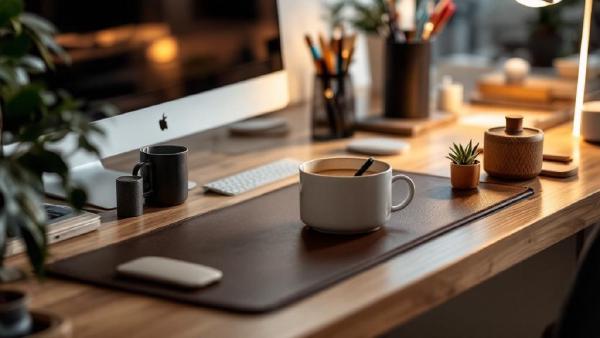
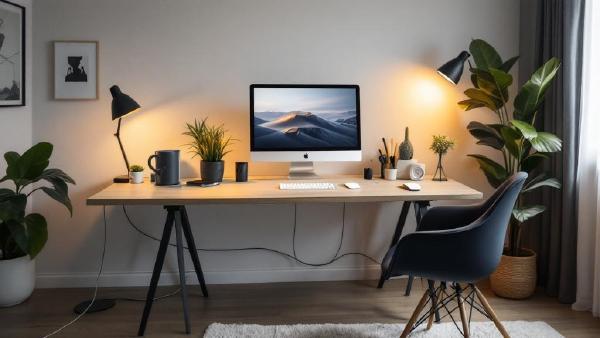
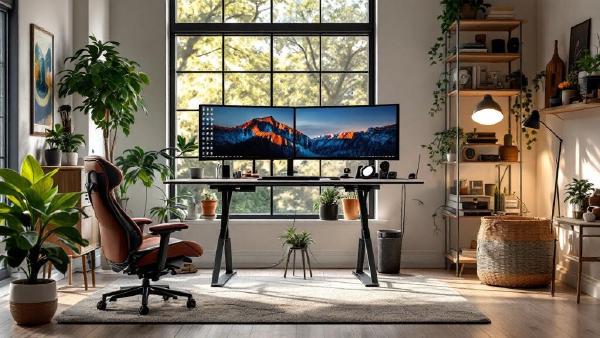
Your desk setup is only as good as the accessories on it. A great monitor on a great standing desk still feels chaotic if cables snake everywhere, your laptop teeters on a stack of books, and every flat surface is buried under pens, chargers, and sticky notes. The right desk accessories turn that cluttered surface into a focused, productive workspace — and you don’t need to spend a fortune to get there.
Cable clutter is the difference between a desk that looks professional and one that looks like a server room exploded. And it’s not just aesthetics — tangled cables are harder to troubleshoot, collect dust, restrict airflow, and make cleaning underneath your desk an ordeal. If you’ve invested in quality peripherals and a proper standing desk, spending $20–40 on cable management completes the setup.
The good news is that cable management doesn’t have to be complicated. A combination of two or three solutions — a cable tray, some Velcro ties, and maybe a cable box — can transform a messy desk into a clean one in under an hour. No special skills required.
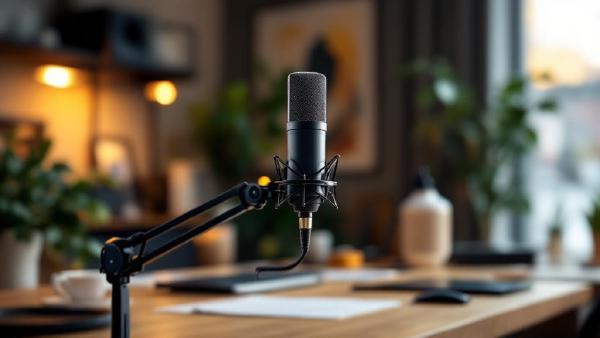
Your webcam microphone sounds terrible. Your headset mic is better, but you’re tired of wearing headphones for 8 hours. A dedicated USB microphone is the upgrade that makes you sound professional on every call — without anything on your head.
The difference on video calls is immediate. Colleagues stop asking “can you repeat that?” Background noise disappears. Your voice sounds full, clear, and present. For anyone doing regular Zoom, Teams, or Google Meet calls, a good USB mic is one of the highest-impact home office upgrades you can make.
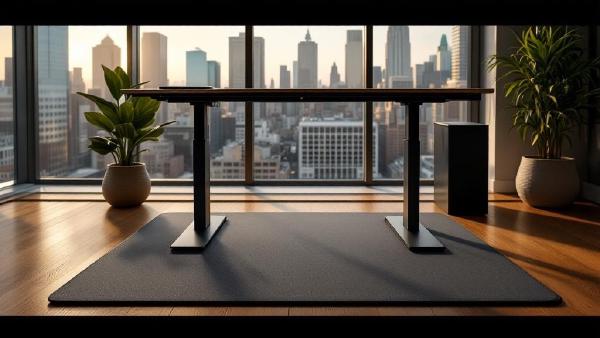
A standing desk without an anti-fatigue mat is like running shoes without insoles — technically functional, completely miserable after an hour. Standing on a hard floor causes foot pain, leg fatigue, and lower back ache that makes you sit back down and never stand again.
An anti-fatigue mat solves this by giving your feet a cushioned, slightly unstable surface that encourages micro-movements. Your muscles stay active instead of locking up, blood keeps flowing, and you can comfortably stand for 2–4 hours without discomfort.
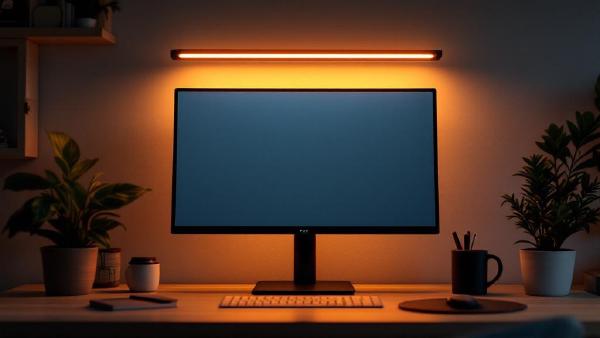
If you’ve ever battled glare on your screen or squinted at your keyboard in a dim room, a monitor light bar is the simplest upgrade you haven’t made yet. Unlike a traditional desk lamp, a light bar clips directly onto your monitor, illuminating your desk surface without any light spilling onto the screen.
The result: zero glare, less eye strain, and a desk free of lamp clutter. For anyone spending 6+ hours a day at a home office setup, it’s a no-brainer.
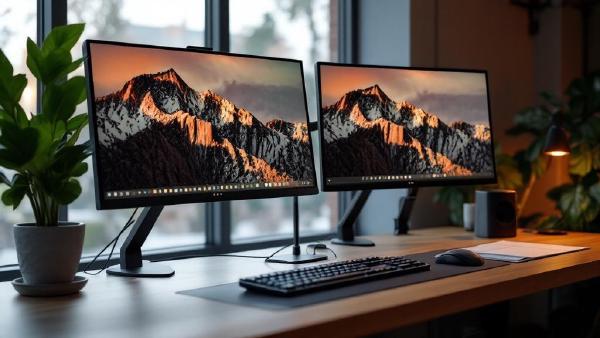
A dual monitor setup is one of the biggest productivity upgrades you can make to your home office. Research from the University of Utah found that dual monitors increase productivity by 20-30% for knowledge workers. Having your email or chat on one screen while working on a document, spreadsheet, or design on the other eliminates the constant alt-tabbing that fragments your focus.
This guide walks you through everything you need to set up dual monitors — from choosing the right hardware to configuring display settings and positioning your screens ergonomically. If you’re still shopping for monitors, check our best monitors for working from home guide first.
If your wrist aches after a long day of work, your mouse is probably the culprit. Traditional mice force your forearm into a pronated (palm-down) position that compresses the carpal tunnel and strains the wrist over time.
A vertical mouse rotates your hand into a neutral “handshake” position, relieving that pressure immediately. The adjustment period is about a week — after that, most people never go back.
Here are the 7 best vertical mice in 2026, from budget picks to premium ergonomic workhorses.
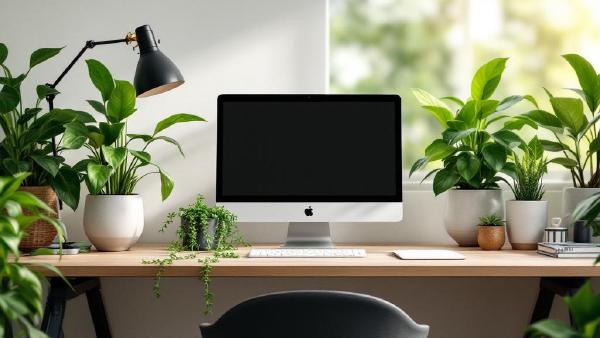
Plants on your desk aren’t just decoration — research consistently shows they reduce stress, improve air quality, and boost productivity. The problem? Most of us kill them within a month.
This guide focuses on desk-sized plants that are genuinely hard to kill, plus the best planters and accessories to keep them alive. Every product links to Amazon for easy ordering.
Our Top Picks at a Glance # Pothos (Devil’s Ivy) — Near-indestructible desk plant, ~$15–25, care level: minimal ZZ Plant (Zamioculcas) — Best for low light offices, ~$20–30, care level: minimal Snake Plant (Sansevieria) — Best air purifier, ~$15–30, care level: minimal Chinese Evergreen (Aglaonema) — Best for colour variety, ~$15–25, care level: easy Succulents Variety Pack — Best for bright desks, ~$20–30, care level: easy Peace Lily — Best flowering desk plant, ~$20–35, care level: easy Rubber Plant (Ficus elastica) — Best statement plant, ~$15–30, care level: easy Spider Plant (Chlorophytum) — Best pet-safe option, ~$10–20, care level: minimal LECHUZA Cube Planter — Best self-watering planter, ~$25–40 Miracle-Gro Indoor Plant Food — Best plant food, ~$10 1. Pothos (Devil’s Ivy) — Best Overall Desk Plant # If you can only get one plant, get a pothos. It tolerates low light, irregular watering, and general neglect with remarkable grace. The trailing vines look great draped over a monitor riser or cascading from a hanging planter next to your desk.
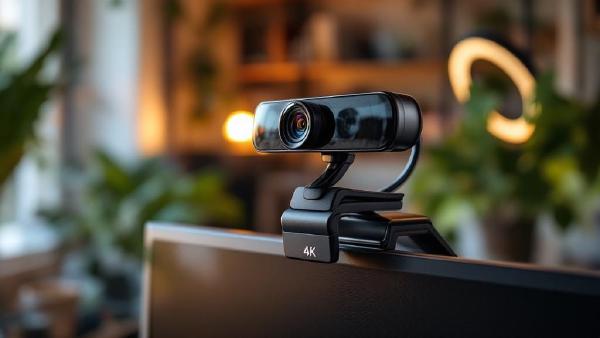
Your laptop webcam is probably terrible. The tiny sensor, wide-angle distortion, and up-the-nose camera angle make you look washed out and unprofessional on every video call. A dedicated external webcam — mounted at eye level on your monitor — makes a night-and-day difference to how you appear on Zoom, Teams, and Google Meet.
We’ve compared seven of the best webcams for video calls in 2026, covering everything from budget 1080p cameras to 4K models with AI-powered features. Whether you’re in daily standups or presenting to clients, here’s what’s worth buying.
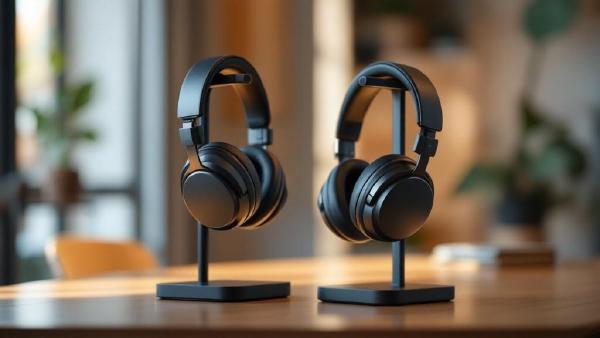
Noise-cancelling headphones have gone from luxury to necessity for office workers. Whether you’re in an open-plan office, a co-working space, or a home office with a noisy household, good ANC headphones let you create silence on demand. The difference in focus and productivity is dramatic — studies show that ambient noise reduces cognitive performance by up to 66% on complex tasks.
This guide covers the best noise-cancelling headphones and earbuds for office use in 2026. We’re focused on what matters for work: ANC quality, microphone clarity for calls, comfort for all-day wear, and battery life. Music quality matters too, but it’s secondary.
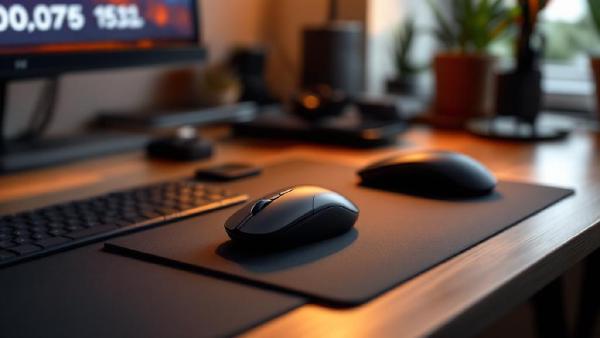
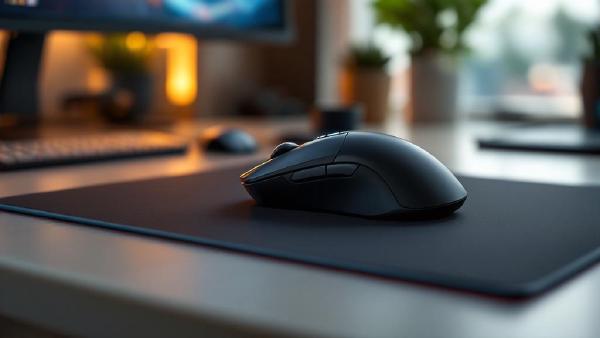
Your mouse is the tool you touch more than anything else at your desk. If you’re still using the flimsy one that came with your computer — or worse, a laptop trackpad for eight hours a day — you’re leaving comfort and productivity on the table.
A good office mouse reduces wrist strain, speeds up workflow with programmable buttons, and connects seamlessly across multiple devices. We’ve compared seven of the best mice for office work in 2026, covering everything from flagship productivity mice to ergonomic vertical designs and budget-friendly options.
Working from home is brilliant — no commute, your own coffee, trousers optional. But a poorly set-up home office can turn that freedom into neck pain, eye strain, and a productivity slump before you’ve even noticed it happening.
Whether you’re setting up your first dedicated home workspace or upgrading from the kitchen table, this home office setup guide covers everything you need to know. We’ll walk through the essentials in order of priority, suggest specific products where helpful, and share the mistakes we see people make most often.