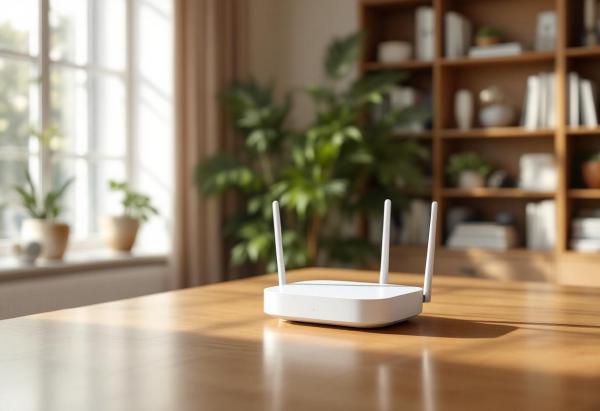
A patchy WiFi connection is the silent productivity killer of the home office. You don’t notice it until you’re mid-video-call and the screen freezes, or a 2GB file upload crawls at 1 Mbps because your router is in the living room and you’re working in the spare bedroom. Mesh WiFi systems solve this by distributing multiple access points around your home, creating a seamless blanket of coverage instead of one overloaded router struggling to reach every corner.
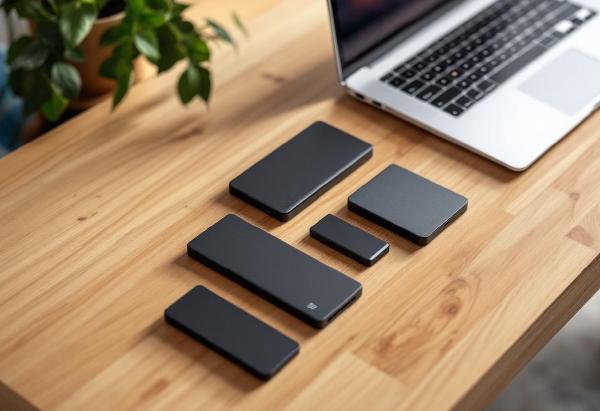
Working from home puts unique demands on storage. You might be editing large video or photo files on a laptop with limited internal storage, shuttling projects between a home office machine and a client’s office, maintaining an offsite backup of critical work, or just running apps and large datasets from an external drive to keep your laptop’s SSD free.
External SSDs have gotten dramatically faster, smaller, and cheaper in recent years. In 2026, USB 3.2 Gen 2 (10 Gbps) is the baseline for good portable SSDs, Thunderbolt 4 drives hit 2,000+ MB/s, and NVMe enclosures with USB4 are approaching internal drive speeds in a pocket-sized package. Whatever your use case, there’s an external SSD that delivers.
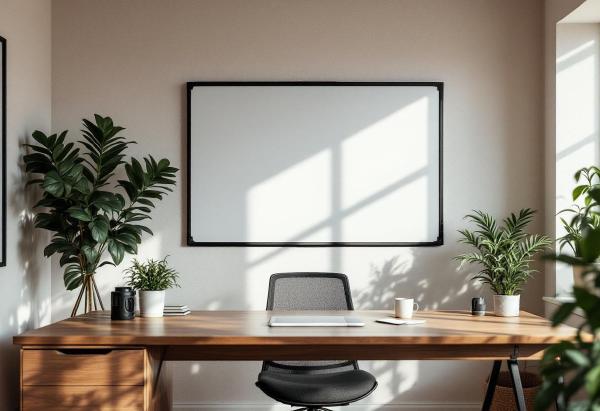
There’s something about physically writing an idea on a whiteboard that no digital tool replicates. Notion boards, Miro canvases, and sticky note apps all try, but the speed of picking up a marker and sketching a diagram during a moment of clarity — that’s analog magic. For home offices, a whiteboard turns a wall into a thinking surface. Project timelines, daily priorities, quick calculations, brainstorm dumps — it’s all visible at a glance without opening another browser tab.
Working from home has many perks, but climate control often isn’t one of them. Corporate offices have industrial HVAC systems maintaining a precise 72°F. Home offices have whatever your house provides — which in summer often means a room that’s 5-10 degrees warmer than the rest of the house, especially if your office faces the sun or sits upstairs where heat rises.
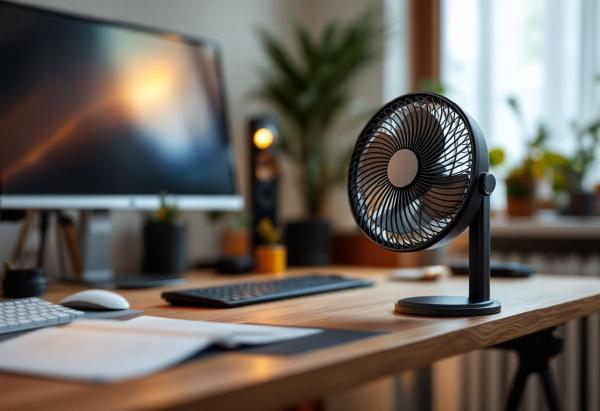
A desk fan is the simplest fix. But “desk fan” covers everything from cheap plastic clip-ons that sound like a small aircraft to elegant bladeless units that move air in near-silence. For a home office, the criteria are specific: quiet enough for video calls, compact enough for a desk that already has a monitor, keyboard, and mouse, and effective enough to actually make a difference.
Air quality in a home office is one of those things you don’t notice until it’s bad. Stuffy rooms, dust particles floating through afternoon sunlight, lingering cooking smells drifting in from the kitchen — they all chip away at concentration without you realising it. Studies consistently link poor indoor air quality to reduced cognitive function, and a home office with a closed door and limited ventilation is a prime candidate.
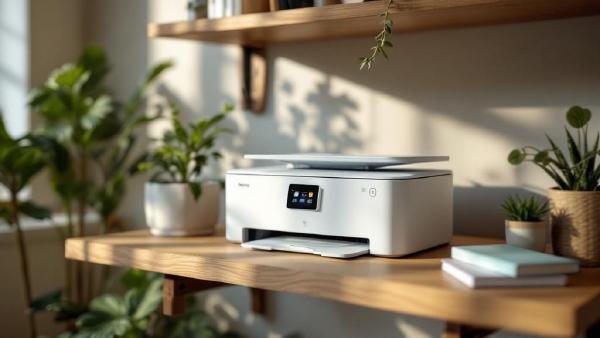
Choosing a printer for a home office feels more complicated than it should be. The hardware cost is only part of the story — ink and toner are where manufacturers make their money, and some printers that look affordable upfront cost significantly more over a year of use than a pricier model with lower running costs.
Then there are the practical questions: do you need scanning and copying? Is wireless printing via your phone a deal-breaker? Do you print colour regularly, or almost entirely black and white? The answers change which printer makes sense for your situation quite dramatically.
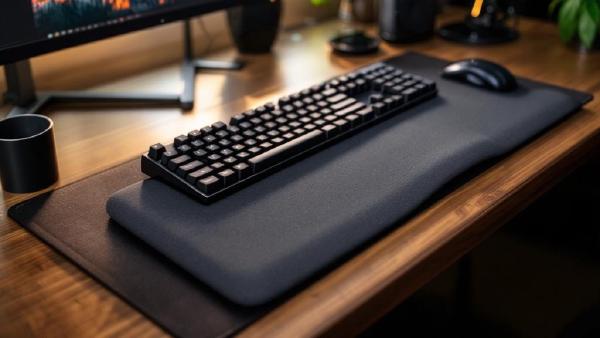
If you type for 8+ hours a day and your wrists ache by 3 PM, a wrist rest might be the cheapest ergonomic upgrade you can make. But there’s a catch — a bad wrist rest can actually make things worse by putting pressure on the carpal tunnel.
The key is resting the heel of your palm, not your wrist, and using the pad between typing bursts rather than while actively pressing keys. Get that right, and a quality wrist rest takes real strain off your forearms and shoulders.
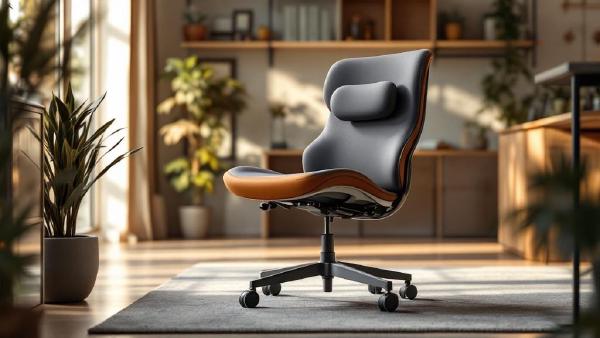
Back pain is the number one complaint among home office workers, and your chair is almost always the culprit. A cheap chair with flat lumbar support — or no lumbar support at all — forces your spine into a C-shape that compresses discs and strains muscles over hours of sitting.
The right chair maintains your spine’s natural S-curve with adjustable lumbar support, proper seat depth, and enough recline to shift pressure throughout the day. You don’t need to spend $1,500 — but you do need to spend wisely.
Dry air is the invisible problem in home offices. Heating systems in winter and air conditioning in summer strip moisture from the air, leaving you with dry eyes, cracked lips, scratchy throats, and static-shocked keyboards. If you’ve ever wondered why you feel drained after a day at your desk despite drinking plenty of water — low humidity is a likely culprit.
A desk humidifier sits right in your workspace and adds moisture exactly where you need it. They’re small, quiet, and use minimal power. No plumbing, no installation — just fill, plug in, and breathe easier.
Bad posture is the home office epidemic nobody talks about enough. When you worked in an office, you at least had a purpose-built chair and a desk at the right height. At home, you might be hunched over a laptop on the kitchen table — and your body is keeping score.
The good news: you don’t need to spend thousands to fix your posture. Most improvements come from adjusting what you already have, building a few habits, and adding one or two key products. This guide covers everything that actually works, based on ergonomic research and real-world home office experience.
Choosing between a 27-inch and 32-inch monitor is one of those decisions that seems simple until you actually start thinking about it. Both are popular sizes for home office work, and both have passionate advocates. But the “right” size depends on your desk depth, resolution needs, eyesight, and what kind of work you do.
We’ve worked extensively with both sizes across different tasks — spreadsheets, writing, coding, video calls, and design work — to help you make a confident choice. If you’re still figuring out your overall monitor situation, our best monitors for working from home roundup covers specific model recommendations.
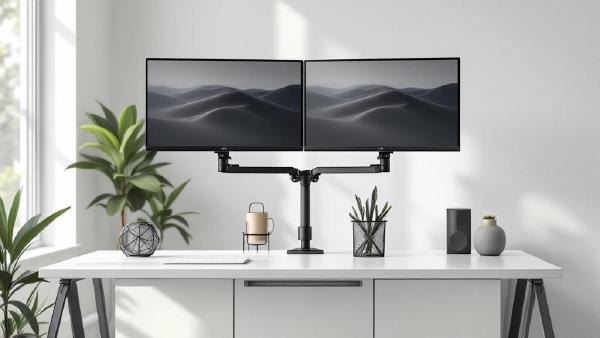
A monitor arm is one of the highest-impact upgrades you can make to a home office. The stock stand that ships with most monitors is designed for one thing: holding the screen upright on a shelf at Best Buy. It wasn’t engineered for your desk, your posture, or your workflow. A proper monitor arm reclaims the entire footprint of that stand — often 8×10 inches of prime desk real estate — and lets you position your screen at exactly the right height, depth, and angle for comfortable all-day viewing.