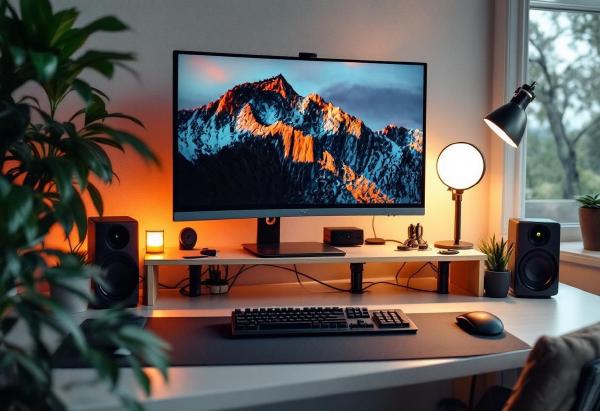
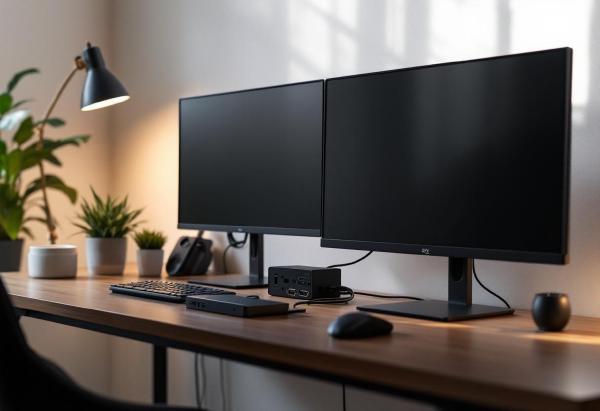
The Ultimate Ergonomic Desk Setup Checklist: Your Guide to Workplace Wellness # Poor desk ergonomics affect millions of remote workers, causing back pain, neck strain, and decreased productivity. Whether you’re setting up a new home office or optimizing your existing workspace, this comprehensive checklist will help you create an ergonomically sound environment that supports your health and enhances your performance.
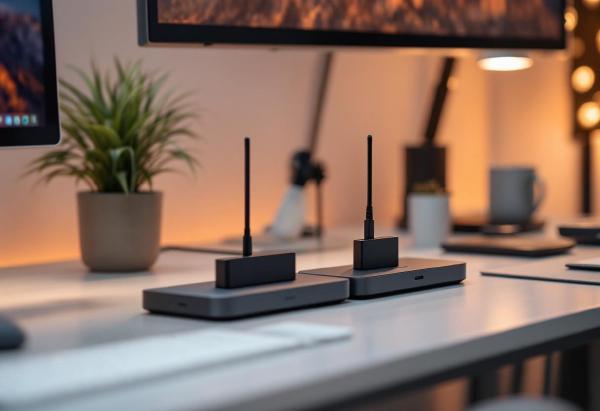
CalDigit TS4 vs Anker 675: The Ultimate USB-C Dock Showdown # Choosing the right USB-C docking station can make or break your home office setup. Two standout contenders dominate the premium USB-C dock market: the CalDigit TS4 and the Anker 675 USB-C Docking Station. Both offer extensive connectivity and robust performance, but they serve different user needs and budgets.
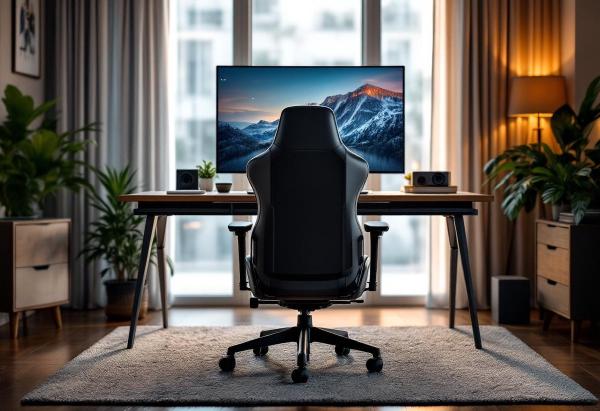
Best Gaming Chairs for Office Work: The Ultimate Guide for Professionals # Gaming chairs have evolved far beyond their flashy RGB-lit origins. Today’s best gaming chairs offer the perfect blend of ergonomic support, premium comfort, and professional aesthetics that make them ideal for office work. Whether you’re working from home or setting up a dual-purpose gaming and work space, the right gaming chair can transform your productivity and comfort.
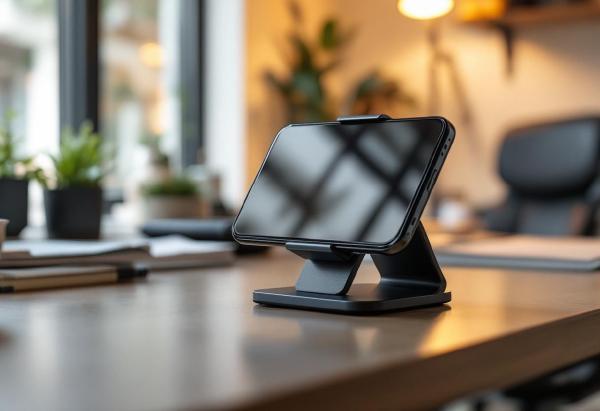
A good desk phone holder is one of those small upgrades that makes a bigger difference than you’d expect. It keeps your phone at eye level for video calls, charges your device while you work, and eliminates the neck strain from constantly looking down at your desk.
Whether you’re taking Zoom calls, following recipes while cooking, watching videos during breaks, or just want your notifications visible while working, the right phone holder improves both productivity and ergonomics.
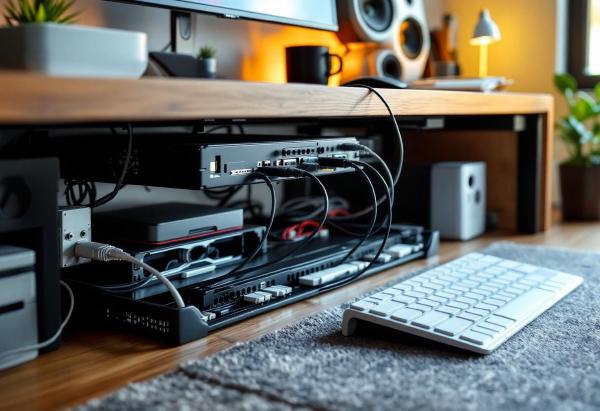
A tangled mess of cables under your desk isn’t just unsightly—it’s a productivity killer. Loose cables collect dust, create tripping hazards, and make it nearly impossible to troubleshoot connection issues or add new devices. Worse yet, cable clutter can actually impact your mental focus and work performance.
The good news? Professional cable management is easier than you think. With the right tools and techniques, you can transform your chaotic cable situation into a clean, organized system that looks professional and functions flawlessly. This comprehensive guide will walk you through every step of creating a cable management system that actually works.
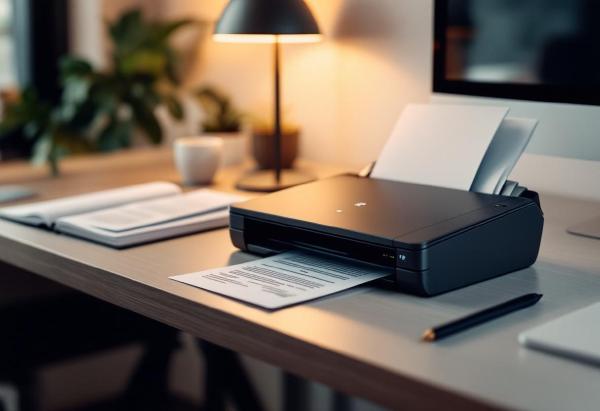
Going paperless is one of those things every home office worker means to do “eventually” — and then the desk slowly disappears under tax receipts, contracts, and that warranty card you’ll definitely need someday. A dedicated document scanner turns that pile into searchable PDFs in minutes, not hours.
Your phone’s camera app can scan in a pinch, but it’s painfully slow for anything beyond one page, the quality varies with lighting, and there’s no automatic document feed. A proper scanner handles multi-page documents at 25–40 pages per minute, with OCR built in so you can actually search your files later.
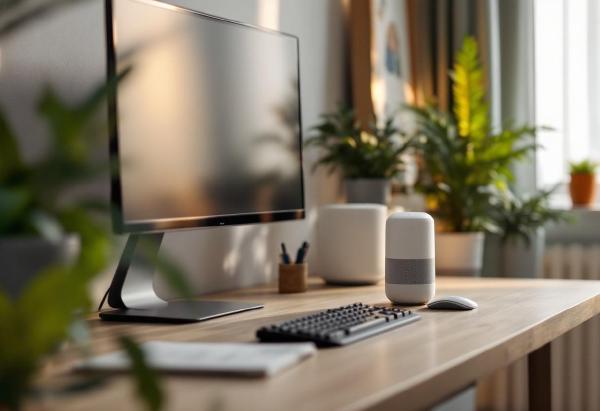
Working from home means working through barking dogs, construction noise, kids playing, delivery vans, and that neighbour who apparently mows their lawn every single day. Noise-cancelling headphones help — but wearing them for 8 hours straight isn’t comfortable, and they’re useless during video calls when you need your microphone open.
A white noise machine fills your office with consistent, unobtrusive sound that masks those distracting noises without requiring anything on your head. Think of it as acoustic wallpaper — it doesn’t eliminate noise, but it makes irregular sounds blend into the background so your brain stops reacting to them.
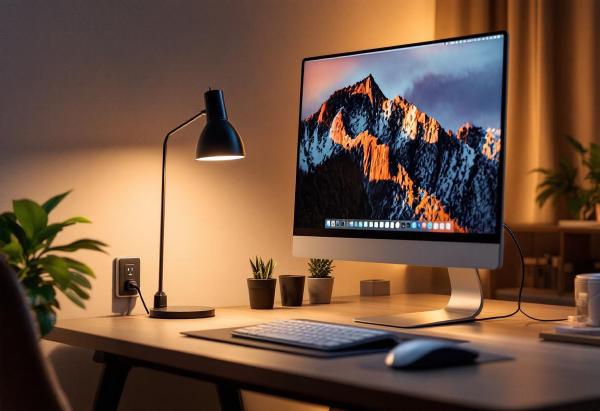
A smart plug might be the most underrated home office upgrade. Plug your desk lamp, monitor, speakers, or desk fan into one, and suddenly you can turn your entire desk setup on or off with a voice command, a phone tap, or an automated schedule. No more reaching behind your desk to flip power strips, no more leaving monitors on standby overnight drawing phantom power.
The real productivity benefit? Automation. Set your desk lights and monitor to turn on five minutes before your workday starts. Have everything shut off automatically at 6pm. Track how much energy your home office actually uses (it’s probably more than you think).
If you work from home with a personal PC and a work laptop — or juggle multiple machines — a KVM (keyboard, video, mouse) switch lets you control everything from a single keyboard, mouse, and monitor. No more swapping cables, no second set of peripherals cluttering your desk. One button press, and you’re on the other machine.
The KVM switch market has improved enormously in the last two years. USB-C models now support 4K@60Hz passthrough, and switching times have dropped to under two seconds. But there’s a wide gap between the cheap HDMI boxes on Amazon and the premium DisplayPort units — and picking the wrong one means flickering screens, laggy peripherals, or resolution caps that make your nice monitor pointless.
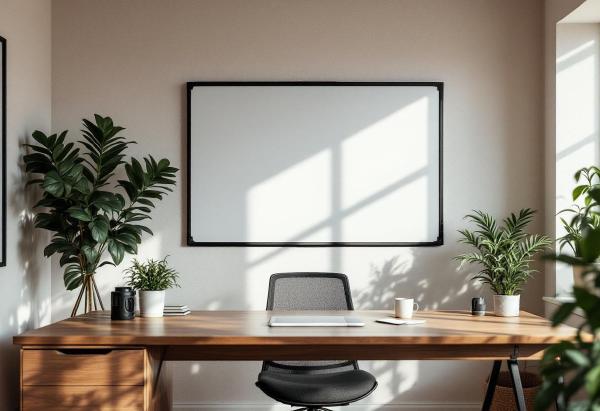
There’s something about physically writing an idea on a whiteboard that no digital tool replicates. Notion boards, Miro canvases, and sticky note apps all try, but the speed of picking up a marker and sketching a diagram during a moment of clarity — that’s analog magic. For home offices, a whiteboard turns a wall into a thinking surface. Project timelines, daily priorities, quick calculations, brainstorm dumps — it’s all visible at a glance without opening another browser tab.
Working from home has many perks, but climate control often isn’t one of them. Corporate offices have industrial HVAC systems maintaining a precise 72°F. Home offices have whatever your house provides — which in summer often means a room that’s 5-10 degrees warmer than the rest of the house, especially if your office faces the sun or sits upstairs where heat rises.
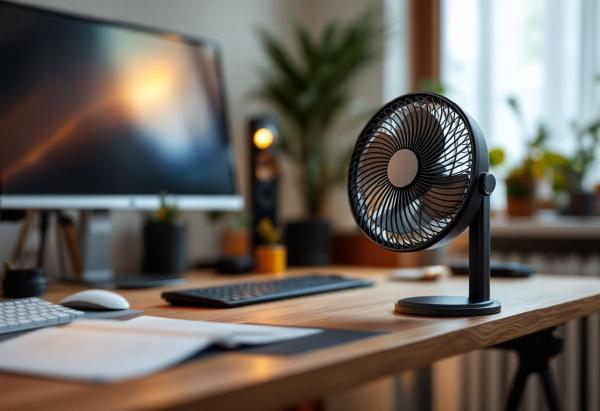
A desk fan is the simplest fix. But “desk fan” covers everything from cheap plastic clip-ons that sound like a small aircraft to elegant bladeless units that move air in near-silence. For a home office, the criteria are specific: quiet enough for video calls, compact enough for a desk that already has a monitor, keyboard, and mouse, and effective enough to actually make a difference.
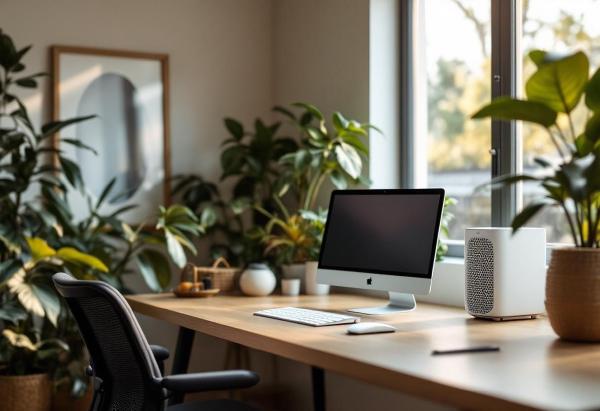
Air quality in a home office is one of those things you don’t notice until it’s bad. Stuffy rooms, dust particles floating through afternoon sunlight, lingering cooking smells drifting in from the kitchen — they all chip away at concentration without you realising it. Studies consistently link poor indoor air quality to reduced cognitive function, and a home office with a closed door and limited ventilation is a prime candidate.